Apps Like Background Remover & Changer for iPhone and iPad
Remove and replace with new ones
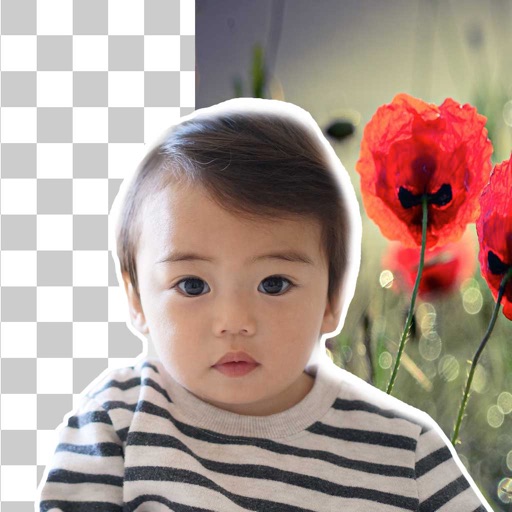
Remove backgrounds from photos using brush tools with adjustable size and hardness. Erase selected areas with undo and redo options. Add text with customizable font and formatting. Place edited photos on various templates.
by Rachida Benhassi★ 5.01 ratingsPhoto & VideoFreeData updated 2026-09-18
Edit photos with AI-powered enhancement, colorization, and object removal. Adjust lighting, sharpen details, and correct imions. Apply filters and restore old photos. Export edited images in various formats.
The app allows users to change a monochromatic background into any image. It offers tools to manually remove backgrounds without a green screen and includes features like auto-enhance, drawing, stickers, text, and various photo effects.
Edit photos by removing unwanted background elements. Add romantic and stickers to images. Create collages for Day. Decorate pictures with customizable art tools. Share edited images directly.
Edit photos with AI cartoon filters, -to-sketch conversion, and mosaic art creation. Remove backgrounds, add drip art, and create collages. Save and share edited images directly.
Customize appearance with themes, wallpapers, and fonts. Choose from 20+ themes and over 1000 emojis. Set personal photos as backgrounds. Adjust key shapes and font styles for typing.
Edit photos, remove backgrounds, generate new ones
Remove photo backgrounds using AI-powered tools. Edit or replace backgrounds with new ones. Export as high-quality PNG images. Share edited photos directly.
Remove backgrounds or objects using AI by adding a and tapping "remove." Adjust the new background to a custom color, white, another image, a gradient, or a preset. Add text, shapes, and photos to the edited image.
Image backgrounds quickly by uploading single or multiple files. Automatically detect and backgrounds in seconds. Adjust background color, make it transparent, or replace with a solid color. Save or share edited images directly.
Edit photos with AI-powered removal and background erasure. Adjust colors, brightness, and contrast. Add text and stickers. Export in various formats and share directly.
The app allows users to post photos to Instagram without cropping. It functions as a photo collage maker with numerous layouts and editing tools for sharing moments.
Remove backgrounds from photos using AI-powered automatic detection. Manually adjust removal for precision. Use the lasso tool to select and remove specific areas. Export edited images in various formats.