
Greenkey -Fonts theme keyboard
Customize themes and fonts
FATIMA EL HANAFI
iPhone Screenshots
Description
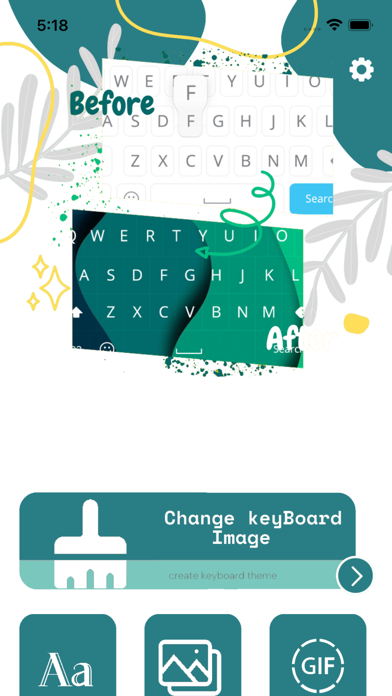
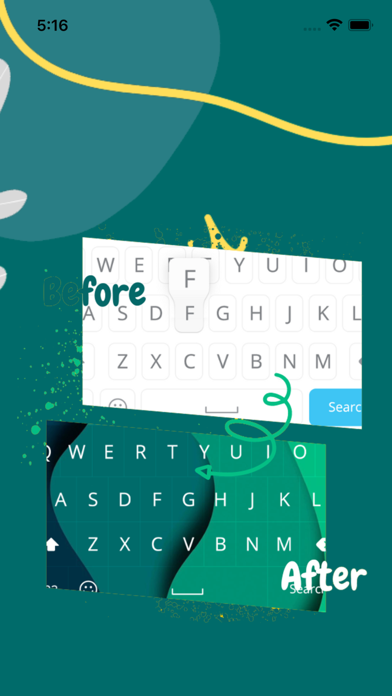
Customize appearance with themes, wallpapers, and fonts. Choose from 20+ themes and over 1000 emojis. Set personal photos as backgrounds. Adjust key shapes and font styles for typing.
This app allows you to design an elegant keyboard that .
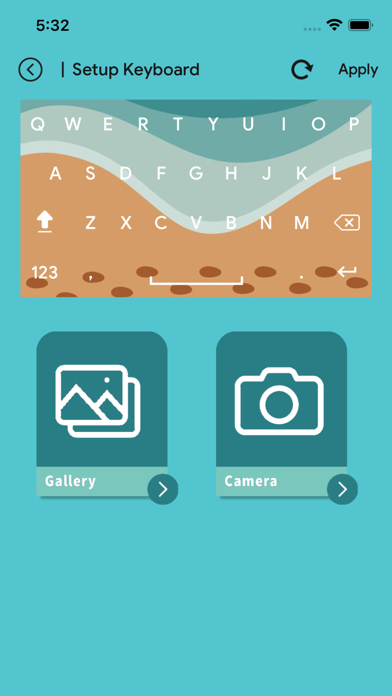
Choose elegant keyboard wallpapers, key shapes, and custom fonts for typing.
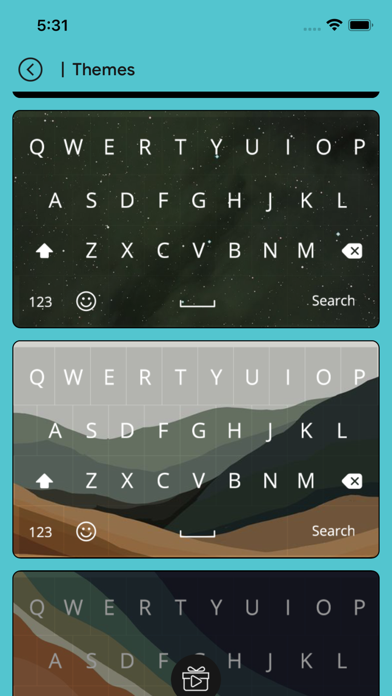
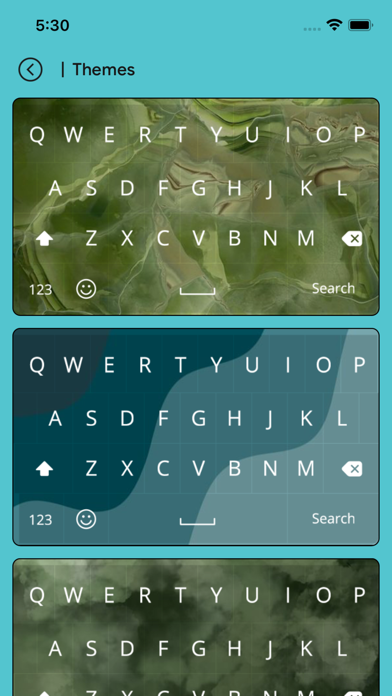
Keyboard Themes Changer Provide 20+ themes and more than 1000+ emojis.
Greenkey -Fonts theme keyboard - app new helps you to customize background keyboard and set my photo on keyboard background with best fancy font Keyboard characters. This cute emoji keyboard for girls gives you beautiful smiley faces and “emoticons for texting” which will rich your messages and make them even more fun.
Features :
- Set My Photo From Gallery.
- Set Different Types Of Themes.
- Enjoy With 1500+ Emoji.
- Emoji Art For batter chat your friends.
- Fast & Smart input type keyboard.
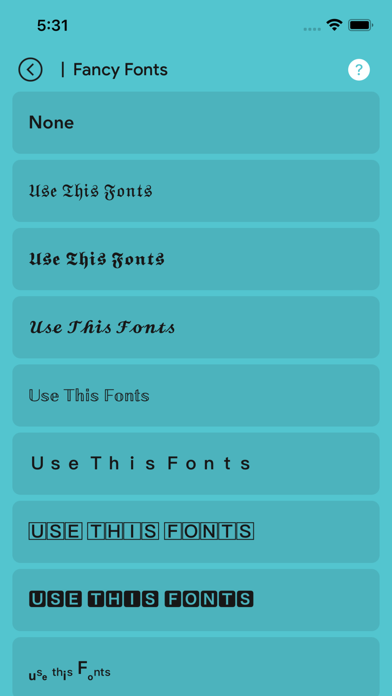
- 100+ Font Style Supported.
- 20+ Live keyboard Themes and Backgrounds many more to come in feature.
- GIFs & Sticker keyboard For Sharing in social Apps.
- Cool Font and Fancy Font Type facility Provided.
- We will never collect any of personal information.
If you need help to install the keyboard:
- 1. Go to System Settings > General > Keyboard> Keyboards > Add New Keyboard “Greenkey -Fonts theme keyboard".
- 2. Then select “Keyboard Themes —Greenkey -Fonts theme keyboard" And toggle "Allow Full Access".
- 3. Go to your keyboard, tap and hold the Globe button, Select "Keyboard Themes —Greenkey -Fonts theme keyboard".
There are lots of themes available now and many others soon on the way! Keep in touch with Greenkey -Fonts theme keyboard, so you will not miss the new ones.
We always work hard to improve Greenkey -Fonts theme keyboard and we believe we can improve it as a perfect app by making a most of your instructive feedback.