Apps Like Glitter Effect Studio for iPhone and iPad
Paint on photos
Edit photos by applying filters and adding effects. Choose from 11 types and adjust brush sizes for detailed application. Zoom and pan using two fingers, or draw with a single finger. Save and share edited photos directly.
by Thomas Backes★ 4.550 ratingsPhoto & VideoFreeData updated 2026-09-18
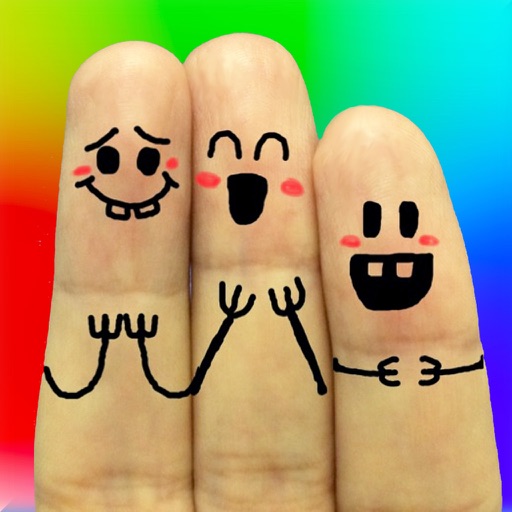
The app allows users to create finger faces using photos from their camera roll or by taking new pictures. Users can add faces, items, stickers, and text, or draw their own creations.
Edit photos with diamond frame effects and star-like enhancements. Add creative effects to enhance images. Save and share edited photos directly. Apply various frame styles to personalize pictures.
Add to using the camera or photo gallery. Select and position with a finger. Adjust photo size by pinching or spreading fingers. Crop by moving the image manually. Share edited directly.
"Browse and download high-quality wallpapers featuring pastel themes, pink styles, minimal layouts, and floral designs. Apply to home and lock screens. Receive daily updates and customize backgrounds to match personal preferences."
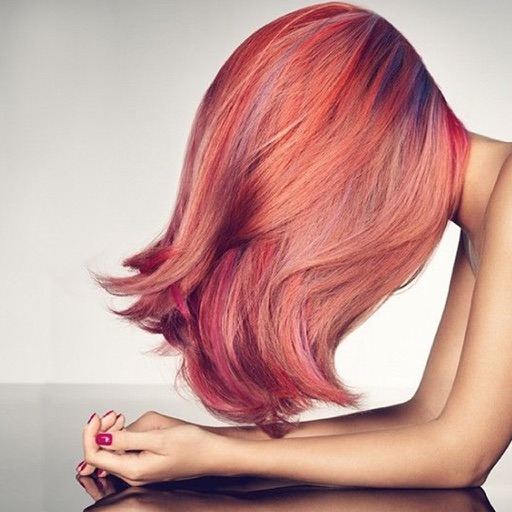
Change in photos by selecting multiple shades and applying them to strands. Brush to highlight sections. Save edited images to gallery or email to friends.
Apply to photos with adjustable strength and shape options. Add 50+ filters and crop images. Use double exposure feature. Edit smoothness and export edited photos.
The app transforms static photos into 15-second animated videos. Users can create cinematic motion with drag-and-drop controls and add decorative frames.
The app allows users to draw on a blank canvas or import photos. Users can add stickers, text, and shapes, choosing from various brush colors and sizes to create unique artwork.
Create clouds by selecting color themes, fonts, and layouts. Choose from six layouts including horizontal, vertical, and half and half. Input text to generate clouds where common words appear larger.
Create photos with customizable . Select from options. Add photos from gallery or capture new ones. Apply filters for enhanced appearance. Include stickers or emojis. Save and share edited images.
Convert photos into or vector styles using AI. Apply over 100 background effects. Edit portraits with customizable avatars. Share edited images directly.