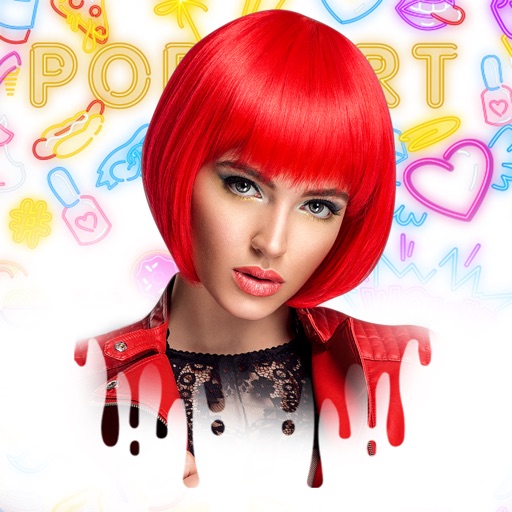
Edit photos by applying recommended background colors and color combinations. Adjust color schemes with two fingers. Blur backgrounds and select from multiple color options. Access photos from the album and make edits directly.
by NOTEGG Corp.★ 4.969 ratingsPhoto & VideoFreeData updated 2026-09-18
Edit photos with color and filter customization for patterns, shapes, and backgrounds. Add celebrity emojis from various categories. Create magazine covers with . Filter emojis by movie, TV, music, history, sports, and more.
Display time with customizable featuring color, font, and background options. Show personal photos or select from free images. No need to refresh for accurate time. Syncs with photo library for background images.
Manage building, floor, and zone items with customizable backgrounds and unlimited key entries. Organize and display data across multiple pages. Connect via Wi-Fi or short messaging for system communication.
Create collages by dragging and dropping cutouts from the photo library. Use smart cutout for quick image selection or long-press to manually cut photos. Edit collages with unlimited drag and drop functionality.
Edit photos with filters, backgrounds, patterns, textures, frames, and stickers. images to format. Access photos from the gallery or capture new ones with the camera. Apply creative tools to enhance and style images. Share edited photos directly.
Edit photos with resizing, cropping, and options. Add text, polaroid frames, and stickers. Generate square, landscape, or portrait images for social platforms. Export and share edited photos directly.
Attach speech balloons to photos with intuitive steps. Add text captions or logos without frames. Include hand-drawn elements. Edit and share modified images directly.
Create digital notes with pen, brush, text, and shape tools. Add background layers from camera, photo, map, or color. Save screenshots and use grid for alignment. Reset, undo, and redo actions available.
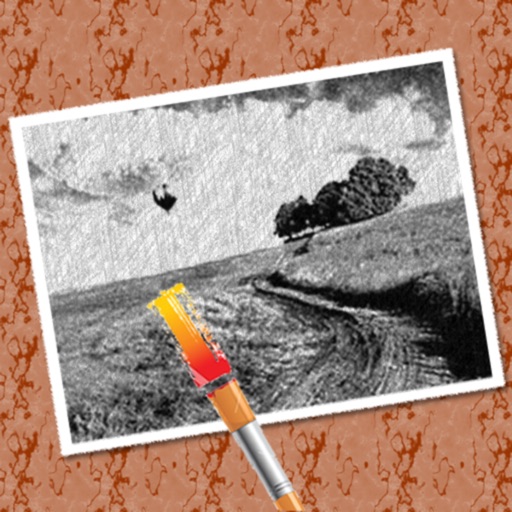
The app converts photos into pencil sketches for coloring. Users can import pictures from photo albums, the camera, or Flickr, and color them using touch controls.
Apply frames to images. Adjust frames to fit photos. Edit images with special effects. Save and share edited photos. Switch between different frames easily.
Edit photos with 50+ filters and flare effects. Adjust contrast, brightness, saturation, and exposure. Add text with custom fonts and colors. Apply splash effects with multiple shapes and background blur. Save and share edited photos.
Edit images using gestures to adjust features like eyes, mouth, and face shape. Modify poses and slim facial contours with intuitive drags. Add text descriptions for AI-driven edits. Export edited photos in various formats and share directly.
Create art effects with one-click auto generation. Edit photos with filters, cutouts, background erasing, and changing. Blur images and adjust colors. Share edited photos directly to social media.