Edit photos by applying recommended background colors and color combinations. Adjust color schemes with two fingers. Blur backgrounds and select from multiple color options. Access photos from the album and make edits directly.
by NOTEGG Corp.★ 4.969 ratingsPhoto & VideoFreeData updated 2026-09-18
The app allows users to design custom glassy wallpapers using photo, color, or gradient backgrounds. Users can select photos, blur them, and adjust brightness and contrast to create unique phone backgrounds.
Set reminders for events and anniversaries by specifying the date. Automatically create events and anniversaries with one-touch setting. Generate photo albums for past events and edit them by importing photos and setting covers.
View the current time with customizable clock faces and color schemes. Swipe to switch styles and hide or show the seconds indicator. Display full-screen numbers with an optional seconds crawler for clear time visibility.
Subtitles automatically generate text from video audio in multiple languages. Users can upload videos, edit timing, and customize styles including color, font, and position. Export subtitles as SRT files or embed them in videos.
Load photos from a table. Add text or image watermarks with customizable font, color, opacity, and positioning options. Resize photos to desired dimensions. Export in PNG, TIFF, JPG, GIF, BMP, JP2, or HEIF formats.
Create animated GIFs from Live Photos, burst shots, videos, or still images. Adjust slide speed and generate emoji-style animations. Export GIFs in various formats and share directly to social platforms.
Restore old by removing scratches, stains, and blur. Enhance clarity and fix color degradation. Convert black-and-white images to color. Adjust brightness, contrast, and sharpness. Share edited via social media or email.
The app allows users to create pixel art characters or landscapes using their fingers. It includes a color history feature to store four colors per work and a gallery to manage created art.
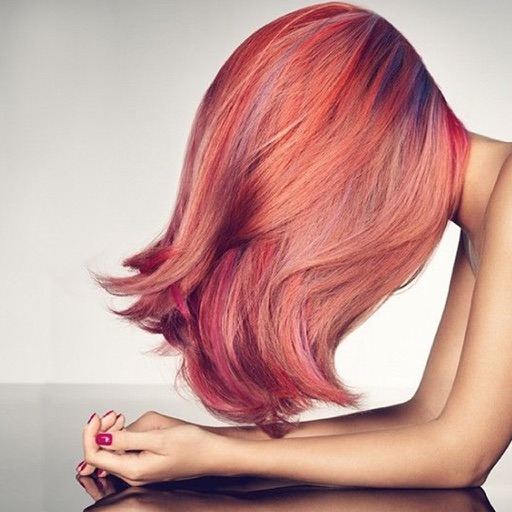
Change in photos by selecting multiple shades and applying them to strands. Brush to highlight sections. Save edited images to gallery or email to friends.
Edit photos with hair color and style try-ons, facial feature adjustments, and outfit changes. Remove backgrounds and create clean headshots. Export edited images in high quality and share directly.
Edit by adding customizable with unique fonts. Adjust photo size and crop images. Modify color, add borders, and adjust brightness. Share edited directly from the .
Edit photos with AI upscaling to 4K resolution. Remove blur, details, and restore image . Adjust brightness, contrast, and color. Export enhanced photos in high-definition formats.
Control multiple remotely within 30 feet. Adjust brightness, color, and modes. Create custom lighting scenes. Set schedules for automatic operation. Sync with other compatible for coordinated effects.