
Create Christmas happy cards
Sergio Musoles Tornador
, add photos, send messages
Personalized by selecting a background and adding photos, stickers, or text. Edit text color and font. Share the finished card with family or friends.

Edit photos and suggest background colors
Edit photos by applying recommended background colors and color combinations. Adjust color schemes with two fingers. Blur backgrounds and select from multiple color options. Access photos from the album and make edits directly.
Showing 461–480 of 1,000 ranked alternatives.
Sergio Musoles Tornador
, add photos, send messages
Personalized by selecting a background and adding photos, stickers, or text. Edit text color and font. Share the finished card with family or friends.
Gopi Chauhan
Edit photos with effects
Edit photos with filters, effects, and shapes. Add text and stickers. Crop and adjust images. Share directly to social networks. Apply pre-designed styles for modern looks.

Deelvin Solutions Inc
Remove from photos and videos
Remove from photos and videos automatically. Edit the color or upload a new image. Export edited media in original format. Share directly to social platforms.

Aliaksei Khutarshchykau
Resize photos and videos with processing
Resize photos and videos with custom dimensions, aspect ratios, and percentages. Adjust brightness, contrast, and color profiles. Apply 100+ templates for social media or anamorphic output. process multiple files.

Nicholas Bedford
Edit photos, add text, share online
Edit photos with text layers, borders, matting, rounded corners, 3D bevels, and shadows. Adjust cropping ratios and apply internal and external shadows. Share edited photos directly to social media.

新乐 陶
-style shoot with grain effects
Capture photos with a vintage camera style, mimicking Fuji, Hasselblad, and Ricoh colors with visible grain. Retouch images using HSL adjustments, curve controls, defogging, and photo framing tools. Export edited photos directly.

Rukshan Marapana
Edit , add fonts, share images
Add and choose from over 80 fonts to customize appearance. Adjust typography style and layout. Share edited images to social media or save to library. Create -based posters with or without background images.

Maria Melero Gonzalez Barandiaran
Edit photos with filters and advanced tools
Edit photos with color filters, brightness, and contrast adjustments. Add stickers and text. Apply film-inspired presets and advanced camera controls. Export edited images in multiple formats.
Touch Multimedia srl
Experiment with hairstyles and colors easily.
The app allows users to experiment with hairstyles and color variations. It features a simple interface, facial detection, and the ability to save and share results.

Shehroz Sheikh
Backgrounds and edit images
Image backgrounds quickly by uploading single or multiple files. Automatically detect and backgrounds in seconds. Adjust background color, make it transparent, or replace with a solid color. Save or share edited images directly.

玉伶 杨
Edit photos, create collages, remix images
Create collages using up to 15 photos with customizable layouts. Adjust size, position, and rotation. Crop with various proportions. Convert photos to square formats with blur, color, or tile backgrounds. Apply filters, rotate, flip, or clip photos.

ThirtyFive Inc.
Create unique images with special effects.
The app allows users to create unique images with special effects by combining photos with text. Users can add stylish text, masking, collages, frames, filters, and geometric shapes to their photographs.

Naoki Yahata
Set wallpaper with your photos
Set photos as wallpaper with adjustable size and customizable background color. Choose from personal photos or limited edition . Adjust wallpaper settings to fit device model.

Aaron Kwok
With one touch
Backgrounds with a single touch. Replace backgrounds with any image. Apply blur to create a depth effect. Adjust clarity for better visibility. Export edited images directly.
Fineseed inc
Edit photos, add filters, and share online
Edit photos with filters, collages, and stamps. Add text and stickers. Save to albums. Share directly to blogs and social media. Apply toy camera effects. Adjust brightness and contrast. Crop and resize images.
Alexander Dr. Rieger
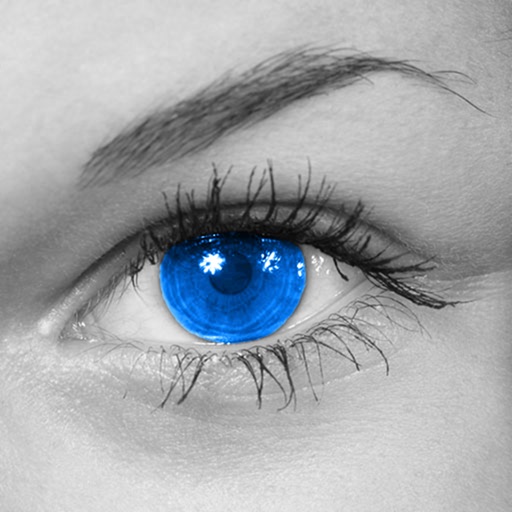
Make colors shine in photos.
The app converts photos to grayscale while allowing users to selectively recolor areas. Users can paint, zoom, and erase to create color splash images.

Patel Ravjibhai
Add to photos
Select and edit photos to add . Choose from various cap styles and position them on the head. Adjust cap fit and appearance. Save and share edited images.
WayDC Limited
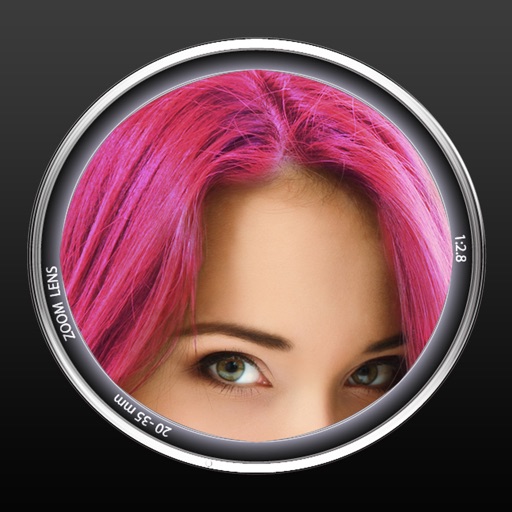
Change hair color in photos easily.
The app lets users change hair color in photos. It offers customizable tools for digital hair coloring with multiple taps, supporting various colors and highlighting techniques on all hair types.

Wrinkle-free Games, LLC
Add , frames, and text to photos
Edit photos by adding holiday with adjustable size, color, spacing, and placement. Apply holiday-themed frames and text overlays. Animate with two timers. Share 10-second videos, animated GIFs, or single-frame photos.
Apps are ranked by functional similarity, category fit, rating confidence, and popularity.