Edit photos by applying recommended background colors and color combinations. Adjust color schemes with two fingers. Blur backgrounds and select from multiple color options. Access photos from the album and make edits directly.
by NOTEGG Corp.★ 4.969 ratingsPhoto & VideoFreeData updated 2026-09-18
Edit photos by beautifying faces or replacing backgrounds. Apply filters and adjust images. Duplicate subjects in portraits. Use depth data from dual-camera photos to enhance edits and create -style effects. Export modified images directly.
Edit photos with -themed and effects. Choose from multiple creative designs. Import images from gallery or camera. Adjust brightness, contrast, and color. Share via Facebook, Instagram, or WhatsApp. Save high-resolution versions.
Edit photos and videos with time-based filters to alter appearance across ages. Try different hairstyles, haircuts, and colors using uploaded images. Apply popular influencer effects for social media sharing.
Enhance by removing blurriness and improving clarity. Restore old or faded images to reveal vivid colors and details. Increase resolution for sharper, clearer results. Apply color enhancement and detail sharpening.
Convert photos into printable pages using AI. Upload images to generate detailed sketch outlines. Customize pages with color options. Print or share finished artwork directly.
The app offers a large collection of Hollywood special effects for photo editing. Users can add professional composition tools like color correction, motion blur, and fog to their images.
Simulate 135, 120, disposable, Polaroid, and classic digital film cameras with accurate color and texture reproduction. Capture photos with film effects. Create and view photobooks in a book-like album format.
Edit photos with customizable wing designs and shape transformations. Add filters, adjust brightness and contrast. Save and share edited images directly.
Edit photos with holiday-themed frames, filters, and effects. Add text, stickers, and decorations. Export in various formats and share directly. Adjust brightness, contrast, and colors for festive visuals.
Edit photos with , rotate, flip, and scale tools. Adjust brightness, contrast, and saturation. Add text, stickers, and mixers. Share directly to Instagram and other social media platforms. Export in square format for consistent posting.
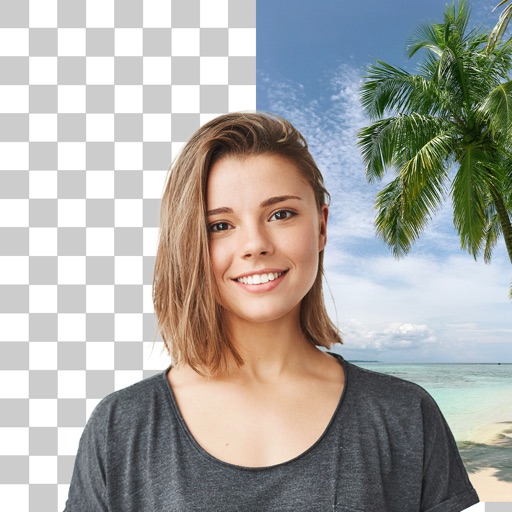
Edit photos with cropping, filters, and adjustments. Remove unwanted objects or people using the Magic tool. Replace backgrounds to create montages. Create collages with pre-designed templates. Export edited photos in multiple formats.
Edit images by applying a swirling effect to simulate draining them down a sink. Customize with emoji face and eye replacements, face blur, and background styles. Save favorite edits with custom quotes, colors, and textures.
Apply filters to photos and videos for a cyberpunk aesthetic. Capture timelapses with advanced motion tracking. Use BrainFeverAI to detect and enhance automatically. Edit and share edited content directly.
Upload and edit photos with options to choose format, color, and gradient colors. Add multiple images and post full-size photos to Instagram without cropping. No watermark included.
Create digital collages using images from your photo library. Crop and remove solid backgrounds from photos. Rotate, resize, and reposition images. Adjust background size and tint. Experiment with creative arrangements for digital art.