Create, edit, and delete notes. Set label via touch. Schedule notifications for specific times. Sort notes by date or color. View notes in wide mode. Back up data to iCloud. Share notes with apps like Twitter, LINE, and Mail. Displays ads.
by Akito Ibaraki★ 4.423 ratingsUtilitiesFreeData updated 2026-09-17
Store and manage passwords locally without third-party servers. Use fingerprint, face, or pattern for secure access. Generate strong passwords and auto-fill login details. Encrypt data to protect sensitive information.
Register repetitive tasks and receive notifications at scheduled times. Set specific times for task reminders. Track completed tasks and manage multiple routines. Adjust notification settings for each task.
Create boards with photos, notes, and affirmations
Create boards with photos, GIFs, stickers, and notes. Add affirmations and colors. Use curated templates for different life areas. Download boards for printing. Share with others. Mark wishes as fulfilled.
Track job applications with a simple interface. Add jobs and assign status colors. Automatically display company logos as you type. Export data and share updates. No sign-in required.
Calculate , elevation difference, and distance using input values. Store and retrieve calculation history. Sync data across devices with iCloud. Share results via email or copy-paste.
Organize and manage photos with AI-powered classification and labeling. Compare images to find similar ones. Delete duplicates to free storage space. Create or sort into albums for better organization.
Displays next arrival times for selected stations, showing line color, car count, destination, and arrival time. Set favorite home and work stations. With location access, selects nearest station by default and lists 5 closest stations in settings.
Create, organize, and complete tasks with checklists and priority settings. Add notes and set reminders. Track daily routines and manage multiple projects. Sync across devices and view progress over time.
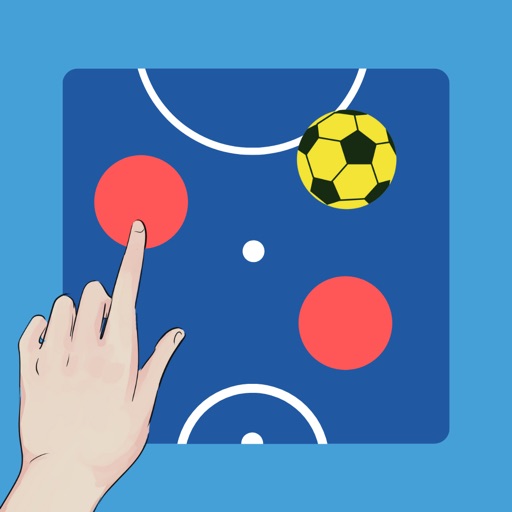
Create and customize boards by adding or removing players and setting detailed profiles with photos, names, numbers, and positions. Use a drawing tool to adjust line thickness and color. Save and share screenshots.
The app offers a large, visible countdown timer with simple, distraction-free design. It includes countdown and count-up modes, a clear time's up screen, and timeout sounds.
Track important dates and set countdown reminders for events, birthdays, anniversaries, and festivals. Add notes and receive notifications before the date arrives. Sync across devices and view progress timelines.
Manage tasks with quests, habits, and rewards. Create sticky notes and Markdown notes. Sync across Apple devices using iCloud. Access calendar with month view and drag-and-drop scheduling.