
iPhone Screenshots
Description
A simple notepad app that allows you to copy and share text.
You can share or copy text with a single tap.
Recommended for saving frequently used templates for email, social media, etc.
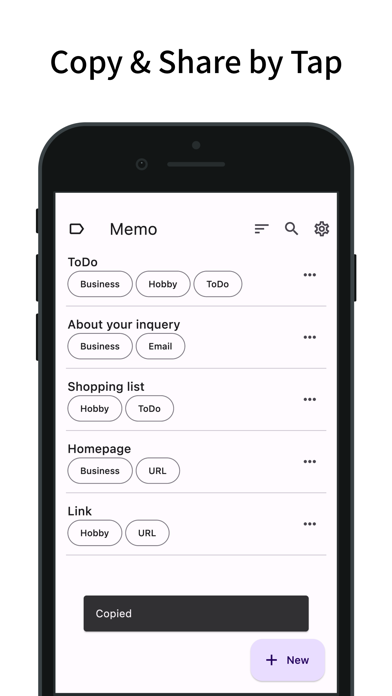
Copy & Share with a Tap
- On the memo list screen, you can copy or share the text by simply tapping on a memo.
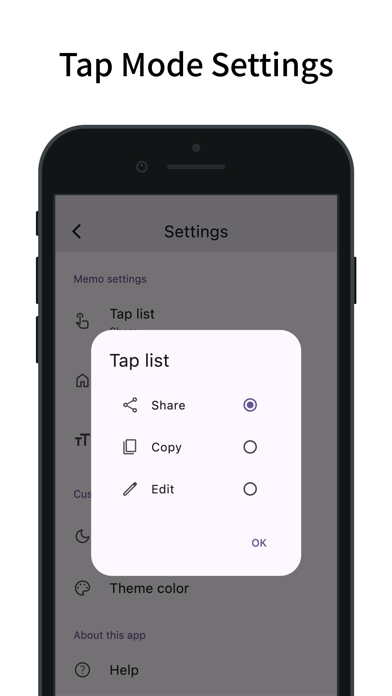
- This tap action can be changed from the settings (Share, Copy, Edit).
- The settings screen can be accessed from the menu to the left of the search bar.
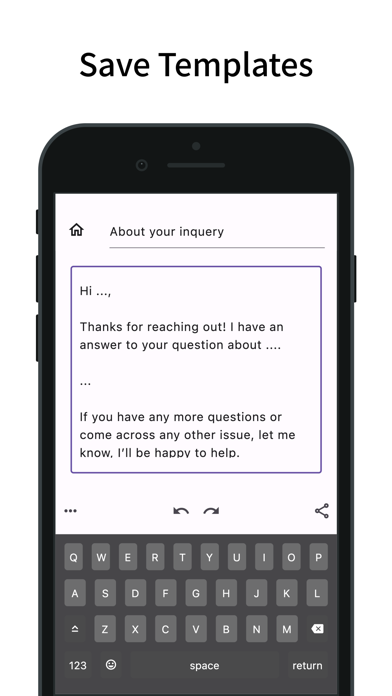
Save Templates
- You can add a new memo by pressing the plus button in the bottom right.
- Undo and Redo are supported.
- You can also copy and share from the memo editing screen.
- You can edit labels and duplicate memos from the menu in the bottom left.
Manage Memos
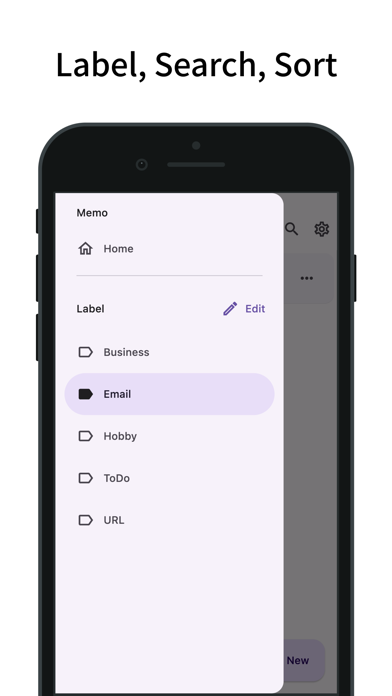
- By adding labels to your memos, you can filter and display them by label. You can also filter by multiple labels.
- Tap the search bar to search for memos by title.
- Memos can be sorted by title, creation date, last viewed, and last modified.
- You can edit labels and duplicate memos from the menu on the right of each memo.
- Long-press a memo to select multiple memos, allowing you to delete or label them in bulk.
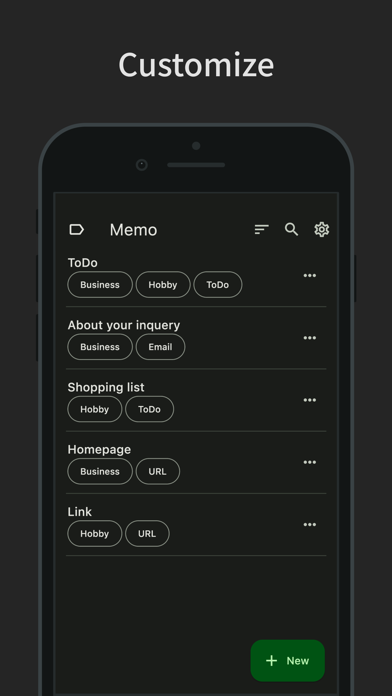
Customize
- Dark mode is supported.
- You can also change the theme color.
- Features a simple design compliant with Material Design.