Control volume and manage multiple instances. Browse, search, and sort your media library. Access favorites and view live playback details. Display music covers, movie posters, and actor thumbnails.
Your Smart TV remotely using an iOS device. Navigate menus and web apps with a touchpad. Adjust volume, power off TV, and use a built-in keyboard for searches. Automatically connect to devices for quick setup.
Control and monitor JDownloader downloads remotely. View download status, start, pause, or stop downloads. Check progress and adjust priorities. Receive push notifications for updates.
Connect your mobile device to YI to preview live footage and capture screenshots. Browse and download stored videos. Adjust settings and update firmware remotely. Edit videos for sharing.
Control your TV remotely by turning your smartphone into a universal . Power the TV on or off, change channels, adjust volume, and navigate menus with touch gestures. Connect seamlessly for consistent performance.
Your TV or media player from an iOS device. Adjust channels, manage playback, and navigate menus remotely. Access a customizable interface for seamless media interaction. Sync with supported devices for real-time .
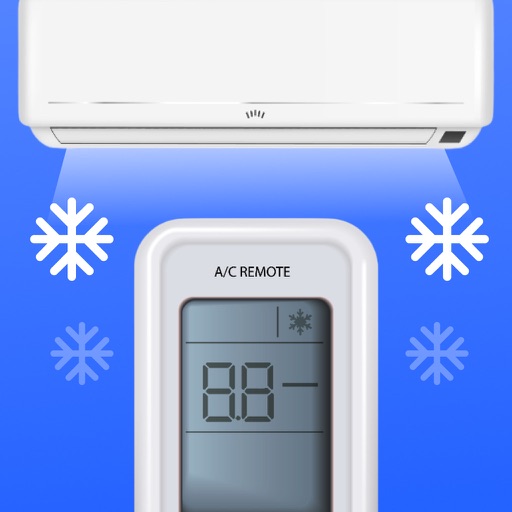
Control air conditioner settings from a smartphone. Adjust temperature, switch modes, and manage fan speed. Set timers and sleep modes. Connect to major AC brands via IR or Wi-Fi. Manage multiple devices and view energy usage.
View live video feeds from compatible surveillance cameras and control pan, tilt, and zoom functions. Playback recorded footage and search for specific clips. Access security systems remotely via smartphone.
Control your Mac or PC with an iPhone, , or iPod. Use simulated touchpad and keyboard functions. Access panels for media playback, file transfers, and presentation controls.