
FireApp - TV Remote Control
Your Smart TV with your iOS device
Zipo Apps Ltd.
iPhone Screenshots

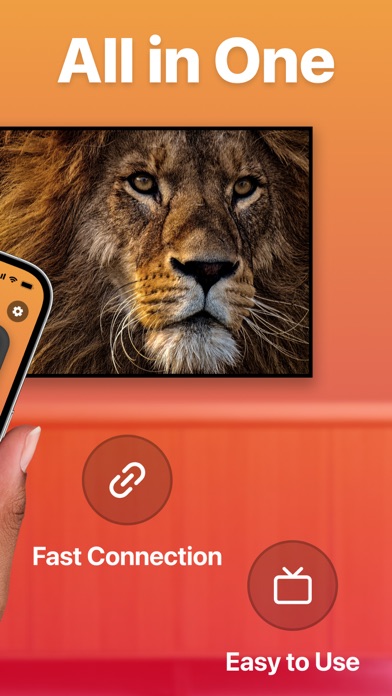

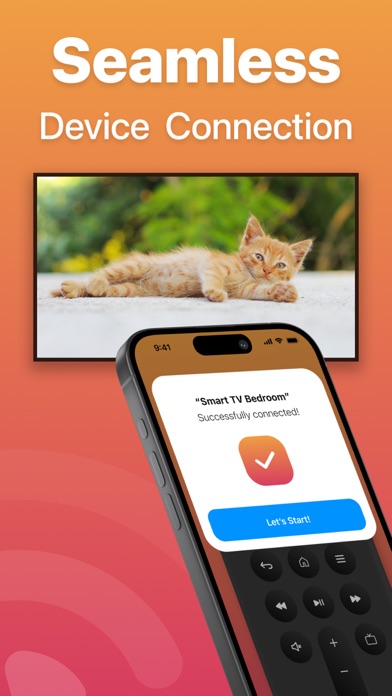


Description
Your Smart TV remotely using an iOS device. Navigate menus and web apps with a touchpad. Adjust volume, power off TV, and use a built-in keyboard for searches. Automatically connect to devices for quick setup.
FireApp — TV Remote Control is your go-to virtual remote for seamlessly managing your Smart TV with your iOS Device.
Functionality:
— Enjoy a fully functional remote control at your fingertips.
— Experience automatic device connection for hassle-free setup.
— Navigate with ease using the touchpad for menu exploration and quick typing on web apps.
— Adjust the volume up or down effortlessly.
— Simplify your searches with the built-in keyboard.
— Power off your TV with a single tap.
— Stay up-to-date with regular updates to support a wide range of new TV models.
To utilize this remote control, ensure that your iOS device and TV are connected to the same Wi-Fi network.
— If the connection encounters any issues, try restarting your iPhone, Smart TV, and Wi-Fi router for a smoother experience.
Subscription Details:
— Payment will be charged to your iTunes Account upon confirmation of purchase.
— Subscriptions will automatically renew unless you turn off auto-renew at least 24 hours before the current period ends.
— Your account will be charged for renewal within 24 hours before the current subscription period concludes, specifying the renewal cost.
— Manage your subscriptions and disable auto-renewal by accessing your Account Settings after purchase.
— Any remaining time from a free trial period, if offered, will be forfeited upon purchasing a subscription to the respective publication, where applicable.
Terms of Use: https://zipoapps.com/fireappcontrolios/terms/
Privacy Policy: https://zipoapps.com/fireappcontrolios/privacy/