Take notes with customizable brushes including pencil, pen, brush, and marker options. Annotate PDFs and sketch lightly. Organize notes with a clean, distraction-free interface. Export notes in multiple formats and sync across devices.
CADENAS Konstruktions-, Softwareentwicklungs- und Vertriebs GmbH
Download 3D CAD and catalogs
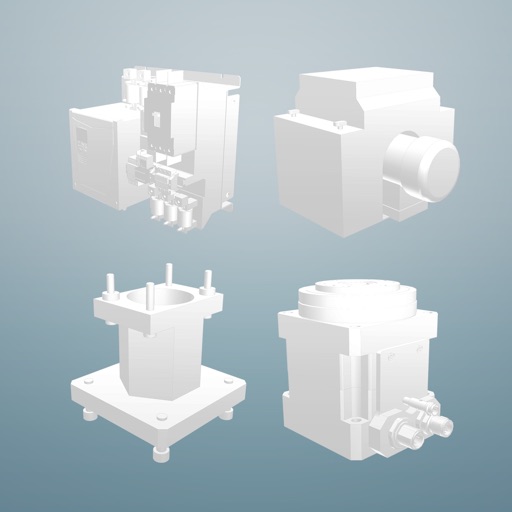
Access 3D CAD models from over 400 certified catalogs for mechanical engineering, automotive, and building industries. Download 2D and 3D compliant with major standards. Integrate models into and other CAD systems for design and procurement.
Manage security systems by activating communicators, configuring panels, and attaching sensors and keypads. Setup Z-Wave devices and TC2 cameras or doorbells. Create accounts and use the ProSeries Wizard for panel configuration.
Find ASUS products nearby and locate retail outlets. Register purchased devices and manage product information. Contact customer service for support. Receive updates on new products and check product availability.
Diagnose and fix common issues with step-by-step instructions. Enter product details to identify problems. Access repair history for past issues. Cover home appliances, vehicles, plumbing, and electronics.
Track vehicle maintenance schedules for oil changes, tire replacements, and filter replacements. Monitor mileage with annual statistics. Receive alerts for insurance, tax, and inspection deadlines. Quickly access vehicle data and service history.
Detect spy cameras by scanning WiFi networks and identifying suspicious devices. Analyze connected devices to determine if any are potential surveillance equipment. Alert users to possible privacy threats without requiring additional hardware.
CADENAS Konstruktions-, Softwareentwicklungs- und Vertriebs GmbH
Download 3D CAD and parts
Access 3D CAD from over 300 certified catalogs. Search and download parts for mechanical engineering, automotive, and building industries. are compatible with CATIA, Inventor, SolidWorks, Creo, and other CAD systems.
Create and manage professional profiles to showcase skills and experience. Connect with other professionals and recruiters. Share updates and insights. Customize networking preferences and track engagement.
Learn about and system updates, including how they work and why they are important. Manage updates confidently with step-by-step guidance. Check status, schedule updates, and troubleshoot common issues.
View work schedule and check in to job sites with location tracking. Add notes, mark tasks as completed, and indicate job status. Call clients, view their location on a map, and add task details.