
AlarmNet 360
Configure security panels and attach sensors
Resideo Technologies, Inc.
iPhone Screenshots
Description
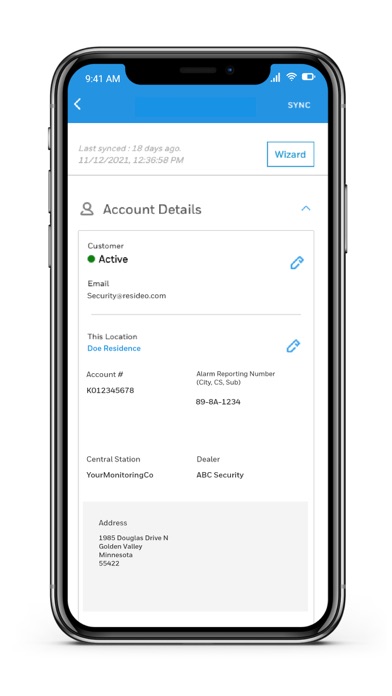
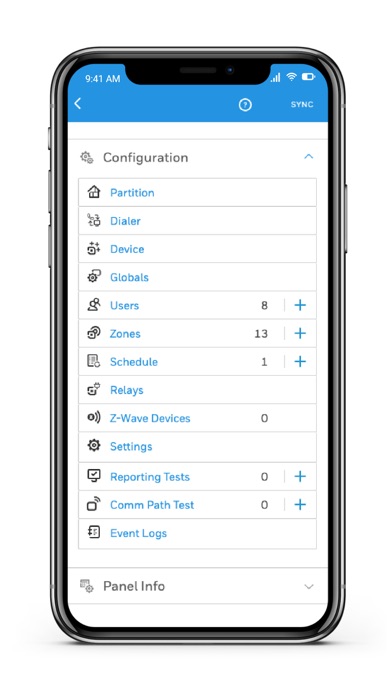
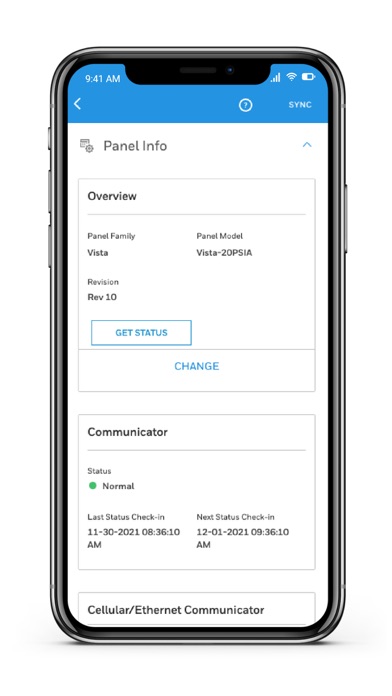
Manage security systems by activating communicators, configuring panels, and attaching sensors and keypads. Setup Z-Wave devices and TC2 cameras or doorbells. Create accounts and use the ProSeries Wizard for panel configuration.
The Resideo AlarmNet360 Mobile App provides activation, installation and support for Resideo Security Panels and Security Communicators*
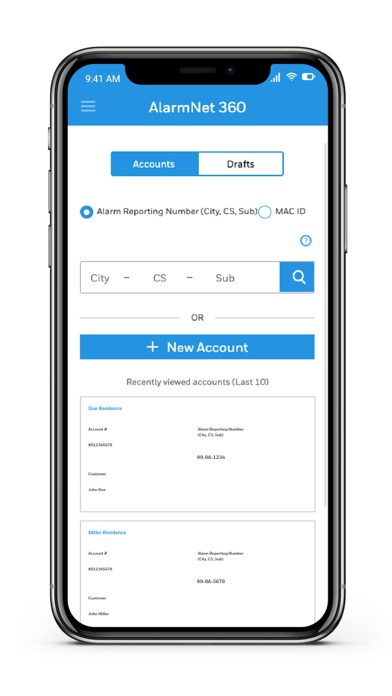
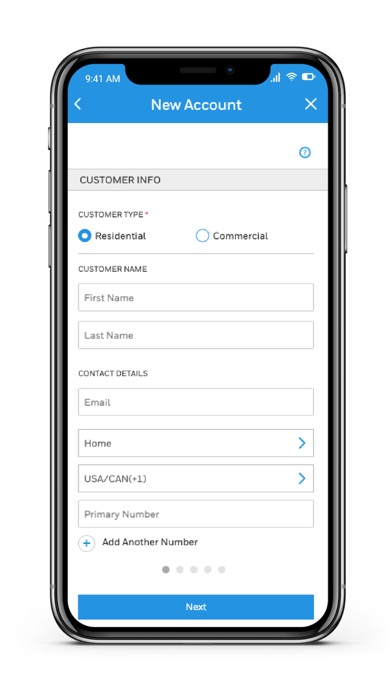
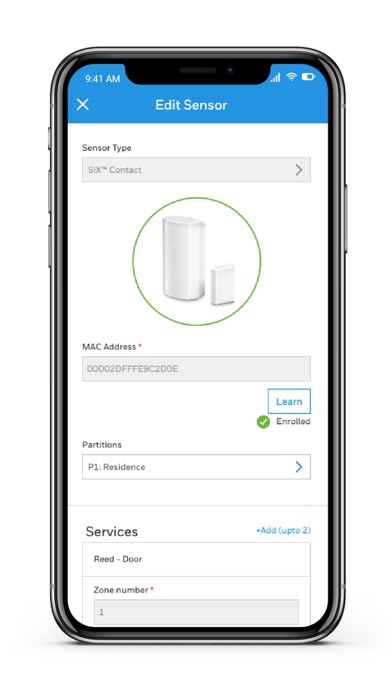
The Resideo AlarmNet360 App will allow you to create accounts, activate communicators, configure security panels, attach sensors, attach keypads, setup Z-Wave Devices and configure TC2 devices like cameras and doorbells.
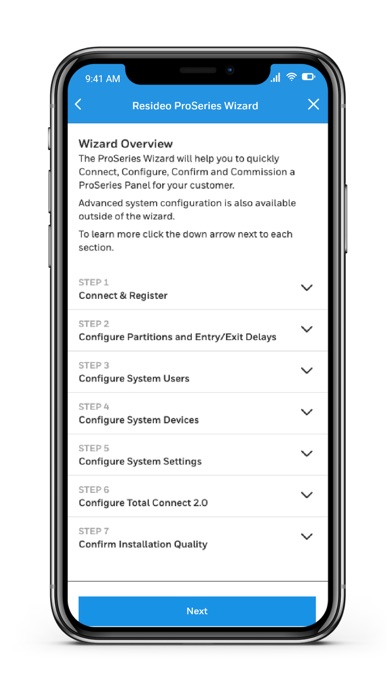
Try the ProSeries Wizard for a quick and easy setup process. The AlarmNet360 Wizard supports Pro A7 Plus and Pro A7 security panels and sensors.
*The following Panels/Communicators may be activated/programmed on the AlarmNet360 Mobile app.
• Resideo ProSeries Panels
o Pro A7 Plus
o Pro A7
• Lyric Panels
o LCP500
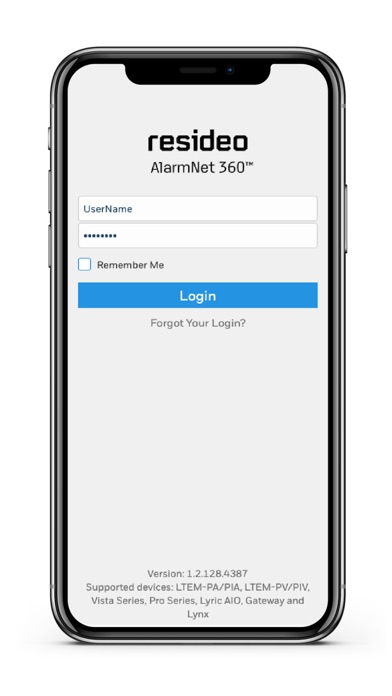
o Gateway (via separate link available on login screen)
• Vista Panels with a LTEM-PA/PIA and LTEM-PV/PIV Communicator attached
o Vista 21
o Vista 15P/Sia
o Vista 20P/Sia
o Vista 10P/Sia
o Vista 21ip
If your communicator or panel is not listed here, please visit our main website @www.alarmnet360.com to onboard your device.