Resize images to reduce file with simple operations. Select and preview images, adjust quality and format options. Share resized images directly via email or other apps without saving to iPhone. Combine multiple images for lighter files.
Add padding, borders, and frames to photos for optimal platform fit. Adjust padding size and style. Export full-resolution images without quality loss. Process multiple photos in batches.
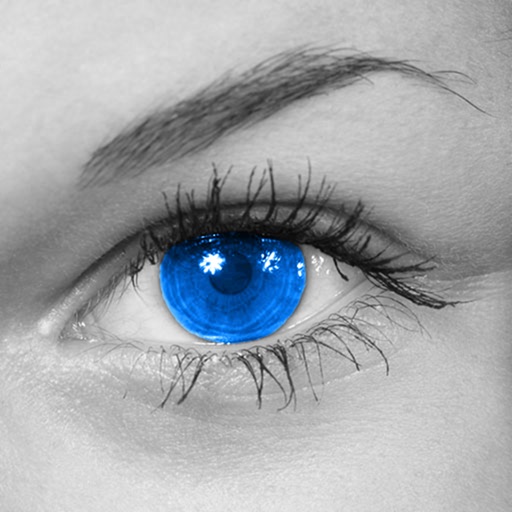
The app converts photos to grayscale while allowing users to selectively recolor areas. Users can paint, zoom, and erase to create color splash images.
Stylize photos using over 500 AI art styles from various movements. Edit and retouch images with professional tools. Work offline with on-device AI models. Keep data private with no cloud storage. Export edited images in multiple formats.
Apply effects to photos including sepia tone, grain, darkened edges, distressed paper, and faded highlights. Adjust intensity settings and export edited images in various formats.
Create custom charts for crafts like cross stitch, bead weaving, knitting, and pixel art. Draw dotted images and design patterns with an intuitive touch interface. Export charts for use in projects.
Take photos with continuous focus and exposure adjustment. Use horizontal detection for natural shots. up to 144x during or after shooting. Trim images before saving. Import photos from the library. Quick launch via widget.
Send messages with customizable fonts, styles, and animations. Add stickers and emojis to express emotions. Edit text bubbles with various typographic options. Share animated text in chats and social media.
The app offers an unlimited size canvas and layers for creative freedom. It includes over 100 preset brushes simulating various painting styles and allows playback of the entire painting process.
Create and customize drawings of an with poseable joints and adjustable limbs. Select from various skins and backgrounds. Adjust camera angles, zoom, and lighting. Use animations to guide realistic poses and movements.
The app decreases video file sizes by 80% or more. Users can identify large videos and adjust frame rate, bit rate, and frame size to control quality and file size.