Measure angles on photos or in real time using the camera. Adjust and compare multiple angles simultaneously. Scale, move, and change color of measurement tools for accurate readings. Save and review measurements permanently.
by ALEXEY KOZLOV★ 4.4359 ratingsUtilitiesFreeData updated 2026-09-15
Measure distances using augmented reality by pointing the camera at objects. Display measurements between selected points. Use an on-screen to measure objects placed on the phone surface. Set and track measurement targets.
Measure acceleration, orientation, and motion with built-in sensors. Record and analyze real-time data for experiments. Detect and generate sound tones. Visualize audio waveforms. Export measurements and graphs for scientific use.
Perform calculations with feet, inches, and fractional inches. Add, subtract, multiply, divide, and compute roots or powers. Scale drawings using the scaling feature. Convert and manage measurements directly within the .
Measure ambient noise and levels in real time with readings and graphical displays. Track noise exposure over time using NIOSH or OSHA standards. View numerical and visual representations of levels.
Measure sound levels with a precision instrument featuring a . Calibrate against professional dB meters. Log noise data and set decibel thresholds. Display real-time sound level readings and frequency analysis.
Reader tool allows users to read and listen to books. Ruler tool measures length, breadth, and height of objects. Protractor tool measures angles of objects. Slope tool calculates the incline of structures. Activity track daily tasks and progress.
Measure using iPhone camera and flashlight. Log and vital metrics. View detailed insights and trends. Set reminders for regular checks. Sync data with health apps for continuous tracking.
Study the by memorizing angles in radians and degrees along with their coordinates. Play a game to practice and track progress with a high score list. Compete to improve performance over time.
Measure lengths, areas, heights, and distances using on-screen tools. Use the protractor, unit converter, and for precise calculations. Check light levels, calibrate screens, and measure decibels.
Measure inter pupillary using iPhone or iPad. Take measurements in seconds with high precision to 0.1mm. Support near and far measurements. Remove glasses for better accuracy. Display large text for readability. Include dark mode option.
Helps calculate mold angles for precise cuts. Users input spring angle and other measurements to determine bevel and miter angles. The provides visual guides for setting up compound miter saws. Includes diagrams for accurate positioning during cuts.
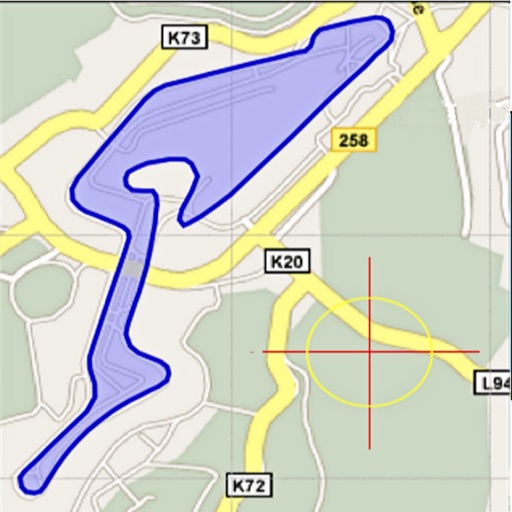
Area, lengths, and angles on maps using an interactive crosshair. Trace outlines to create connected points, updating area and perimeter in real time. Adjust radius for scaling features. View dynamic length and angle as you move the crosshair.
Control main joints for precise adjustments. View multiple angles of different poses. Inspect yoga or exercise positions from various perspectives. Use as a drawing model for animation, illustration, or sketching.
The app calculates properties for triangles, trapezoids, and circles. It accepts various input formats for angles and lengths, displaying results in the chosen format.
Sheet Metal allows users to generate patterns for cones and other complex shapes. Input dimensions and material properties to calculate angles and layout dimensions. Export results for fabrication use.