Apps Like Interpupillary Distance Meter for iPhone and iPad
Measure pupil in 1 second
Measure inter pupillary using iPhone or iPad. Take measurements in seconds with high precision to 0.1mm. Support near and far measurements. Remove glasses for better accuracy. Display large text for readability. Include dark mode option.
by Ubicolor Ltd★ 4.6510 ratingsUtilities$0.99Data updated 2026-09-20
Arthur Eduardo Skaetta Alvarez Desenvolvimento de Software LTDA.
Measure PD with TrueDepth Camera
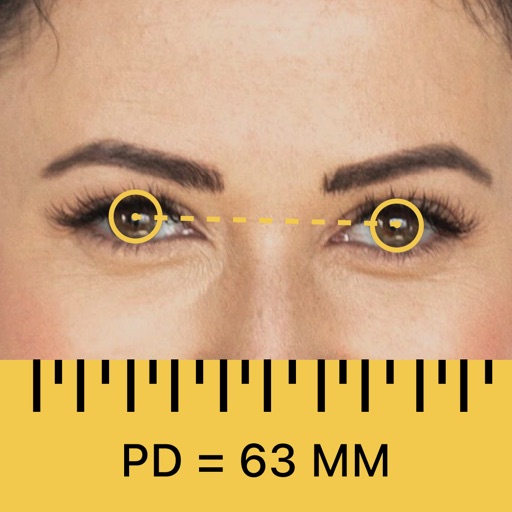
Measure pupillary using iPhone's TrueDepth Camera for accurate results. Display real-time measurements for both near and far sight. Save and share PD values for eyeglasses or VR headset setup.
Measure pupillary distance and lens height for accurate eyewear fitting. Perform far and near PD measurements with smart calibration. Use virtual try-on features and manage multiple user profiles.
PD+ captures and processes a high-resolution facial photo to measure . It provides far and near PD measurements for both binocular and monocular use. It also measures fitting heights for current frames to ensure accurate lens prescriptions.
Measure levels in decibels using the device’s microphone. Display real-time audio frequency and dB readings. Apply filters for specific frequency and dB ranges. Share measurements via Messages, Email, WhatsApp, Notes, and other apps.
Measure distances using augmented reality or direct phone contact. Calculate surface areas and angles. Create floor plans and save measurements. Share results via email or messaging.
Measure using AR and TrueDepth sensor technology. Place device at eye level, follow on-screen prompts, and receive accurate PD measurement. Save and share results for eyewear purchases or customization.
Measure objects with a camera ruler mode that uses your phone's camera for distance calculations. Switch between inches and centimeters. Adjust measurements with precision sliders. Access a classic ruler and tape measure for manual measurements.
Measure distances by drawing routes on the map and calculating their length. Use a magnifier tool for precise line drawing. Switch between Move and Measure modes to set starting points or begin measurements immediately.
Distances using Augmented Reality. Tap to place markers and calculate lengths. Undo measurements. Choose different colors for markers. Take screenshots. Switch between metric and imperial units.
Measure distances, heights, and angles using AR measure, ruler, and level tools. Create floor plans and calculate areas. Take screenshots, use flashlight, and chain measurements. Switch between imperial and metric units.
Measure sound pressure levels precisely and easily.
The app transforms an iOS device into a sound level meter, measuring sound pressure levels. It offers features like Apple Watch support, Health app integration, and frequency analysis tools.
Pupillary distance manually with precise calibration tools. Adjust settings for accurate readings. Save and track measurements over time. Share results with eye care professionals or retailers.
Measure distances to objects using the lens. Display distance on the image with a 3D grid overlay. Aim at objects to determine their height or depth. Use for measuring boats, buildings, or golf aids.
Measure sound levels using iPhone's microphone. Display readings in real time. Log noise data and view historical trends. Set custom volume alerts. Share measurements via email or social media.
Record and display GPS-based measurements with a map line. Share results on social media. Obtain current location via GPS. Option to minimize battery use without GPS. Does not run in the background.
Measure levels for indoor plants using a camera pointed at leaves. Press "Measure" to assess conditions. Results indicate very low or low , helping users adjust placement for better health.
Convert measurements between , , and centimeters. Input fractions or decimals for precise calculations. View results on a visual measure display. Perform addition, subtraction, multiplication, and division with measurement values.