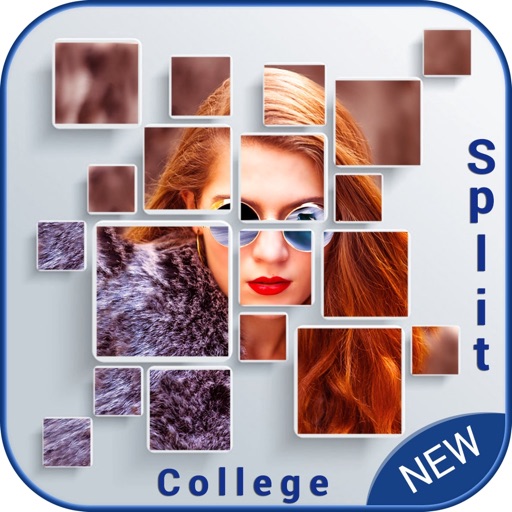
Create collages by selecting multiple photos and choosing from various layouts. Apply filters, add stickers, and include text to edit the . Generate 3D collages with different frames for a realistic 3D effect. Share the final directly.
by Manani Jyotiben★ 2.33 ratingsPhoto & VideoFreeData updated 2026-09-06
Edit photos with filters, effects, and adjustments. Add text with multiple fonts, colors, and effects. Overlay text or add captions and 3D text. Include stickers, artwork, and frames. Create collages and personalize cards with photos.
Edit photos with cropping, resizing, blending, and beautification tools. Adjust brightness, contrast, and saturation. Add stickers, backgrounds, graffiti, and borders. Create collages with over 500 stickers. Apply filters to montages.
Create social media content with photo templates, text, and image selection. Design Instagram stories, Pinterest pins, and social posts. Share directly to multiple platforms without design skills.
Take selfies with pip effects and apply filters like sepia and vintage. Create collages and edit photos with various effects and frames. Select images or capture new ones and enhance them with pip features. Share edited photos directly.
Create collages by combining multiple photos with patterns and grid layouts. Add stickers, text, and cool fonts. Edit photos with cropping and adjustments. Share finished collages directly.
Edit photos with filters, frames, and collage templates. Add effects and select from various photo types. Create collages by choosing images and applying pre-designed layouts. Export and share the final edited photo.
AI-powered photo curation selects and crops images from your album. Users can customize timelines to explore photos. Intelligent cropping allows sharing as live wallpaper, collage, composite, or individual images.
Create collages by adding personal photos and selecting from various . Design layouts with text, stickers, and effects. Export and share finished collages directly.
Create photo collages by combining 2 to 9 images into one. Adjust size, position, and layout. Choose from various templates and styles. Add stickers, frames, effects, and patterns. Share finished collages directly.
Edit photos by selecting from Camera Roll or taking new shots. Apply real-time effects to create prism-like glass pieces. Adjust frames, shapes, and patterns. Rotate, resize, and drag elements for custom designs. Export and share edited images.
Create collages by selecting from 1000+ layouts, grids, and templates. Add photos, adjust sizes, and apply filters. Share collages directly to social media or via email. Edit text, add stickers, and crop images within the .
Create collages and edit photos with cropping, filters, and text. Add stickers and remove backgrounds. Edit videos, create slideshows, and design invitations. Share directly to Instagram with hashtag management.