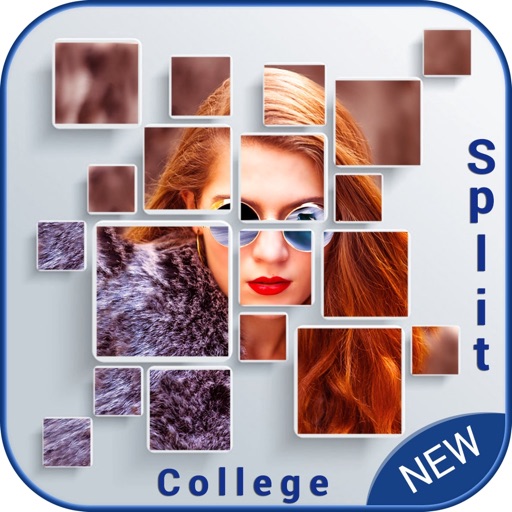
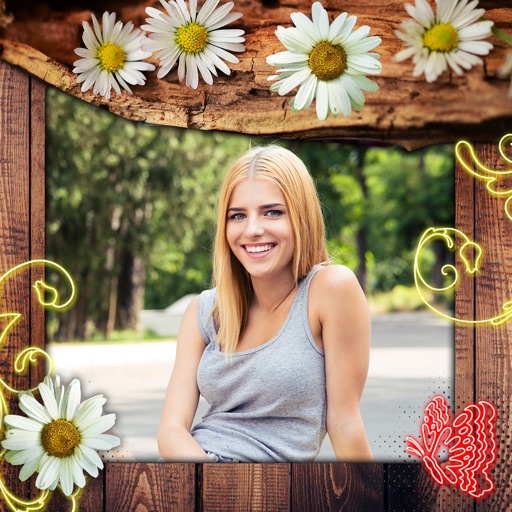
Create collages by selecting multiple photos and choosing from various layouts. Apply filters, add stickers, and include text to edit the . Generate 3D collages with different frames for a realistic 3D effect. Share the final directly.
by Manani Jyotiben★ 2.33 ratingsPhoto & VideoFreeData updated 2026-09-06
Create social media posts, graphic designs, and content with pre-designed templates. Add photos, text, and animations. Generate collages for Instagram stories and collages. Export and share finished designs directly.
Create collages using hundreds of templates, layouts, and design options. Add effects, text, and stickers to photos. Share finished projects directly to social media accounts. Edit images with cropping, filters, and adjustments.
Edit photos and videos with filters, effects, and frames. Crop, adjust brightness and contrast, and add text. Share edited content directly with friends.
Create videos from multiple selected frames with customization options. Edit photos by zooming, rotating, and dragging within frames. Combine multiple frames into a single large .
Create collages, stories, and posts from photos with 1000+ layouts and themed templates. Remix up to 20 images with editing tools. Apply filters, remove backgrounds, and add cutouts. Share directly to social media or save as files.
Take photos and videos with 200+ real-time filters, motion graphics, textures, and light leak effects. Adjust skin tone and apply vintage looks. Export edited media in various formats and share directly.
Select and arrange up to photos from or any month. Create collages using chosen images. Share top moments via social media. View and relive favorite posts from specific years or months.
Create collages by arranging photos, stickers, and text. Use dozens of templates and customize layouts. Add text with cool fonts and apply filters. Export and share finished collages.
Create collages by dragging photos onto a canvas. Blend images together automatically. Adjust layout and spacing. Add text and borders. Export collages in various formats and share directly.
Create collages by selecting photos and applying various . Choose from different frame styles to customize the layout. Adjust image positions and sizes. Save and share the final .
Create animated stories using pre-designed templates. Edit videos with collage features and add text. Export final videos for social media platforms. Boost engagement with customizable styles.
CropPic enables full-size photo and video uploads to Instagram without cropping. Users can move, rotate, and scale images. Change backgrounds with colors and patterns. Create Instagram stories and highlight covers with editing tools.
Create collages, cards, and albums using photos. Select from hundreds of templates and customizable grids. Add backgrounds, frames, and text. Edit images with cropping, filters, and adjustments. Share finished projects directly.
Edit photos with filters, effects, and adjustments. Add text with multiple fonts, colors, and effects. Overlay text or add captions and 3D text. Include stickers, artwork, and frames. Create collages and personalize cards with photos.
Pic allows users to divide their camera view into sections using various free layouts. They can take photos or import images from the Camera Roll and arrange them in different orders.