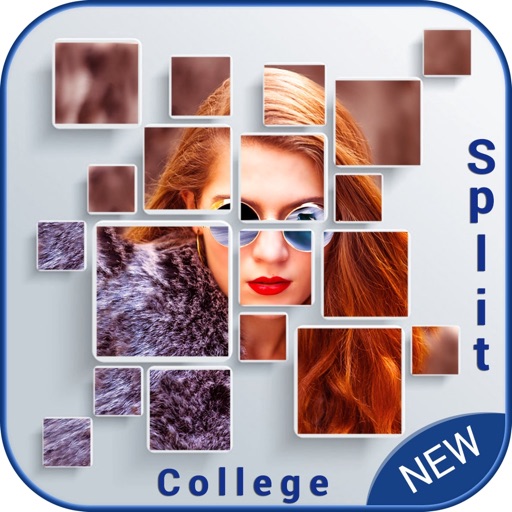
Create collages by selecting multiple photos and choosing from various layouts. Apply filters, add stickers, and include text to edit the . Generate 3D collages with different frames for a realistic 3D effect. Share the final directly.
by Manani Jyotiben★ 2.33 ratingsPhoto & VideoFreeData updated 2026-09-06
Create live wallpapers using free templates and customize with stickers. Take photos with a photo booth featuring fun stickers. Edit images with AI tools and templates. Share creations directly from the .
Create collages by combining photos, text, and stickers in various layouts. Choose from over 200 styles and adjust orientation. Add text with multiple fonts and tags. Share collages directly with friends or include location details.
Create collages in custom sizes. Choose from 300 layouts. Place images manually or automatically. Export for video, social media, or printing. Set dimensions for specific paper sizes. Share or save collages directly.
Create visual stories with built-in editing tools and customizable templates. Adjust brightness and add effects. Insert stickers, emojis, and text. Organize photos into collages.
Create collages by combining pictures, videos, or a mix of both. Choose between sequential or delayed video playback. Use built-in layouts or design custom ones. Select from 1:1, 9:16, 3:4 ratios or set custom proportions.
Create Instagram stories and highlights with 1000+ templates and collages. Apply 100+ filters and presets to photos and videos. Use 50+ fonts for text. Export in high quality. Add 200+ highlight cover designs.
Create collages and long by stitching multiple images together. Supports horizontal puzzle and other layout modes. Maintains original clarity during stitching. Allows manual adjustments and saves high-quality originals.
Create layered collages by combining images with one click. Add special effects to draw or erase . Apply filters and frames to enhance visuals. Share finished blends directly to Instagram.
Create collages by merging up to 20 photos with frames, stickers, and text. Adjust borders, add pattern backgrounds, and use shapes for flyers and posters. Share creations on Facebook, Instagram, and other social media.
Add text to photos with customizable shapes, adjusting height, width, color, and border. Design and share text overlays on images. Create social media posts, wallpapers, stickers, and event invitations. Export and share designs directly.