Create notes and documents by hand with AI-powered recognition. Draw, sketch, and annotate PDFs on an expandable canvas. Convert to text and create diagrams with intuitive gestures. Organize content with layers and embed images.
Note-taking allows users to write notes with handwriting or keyboard input. Customize pen color and size. Undo mistakes with a single tap. Count characters in notes. Edit, add, or delete memos as needed.
Automate clicks, curve swipes, and pinch gestures on custom web pages or games. Set custom durations for repetitive actions. Perform tasks like web browsing, gaming, or reading with automated touch inputs.
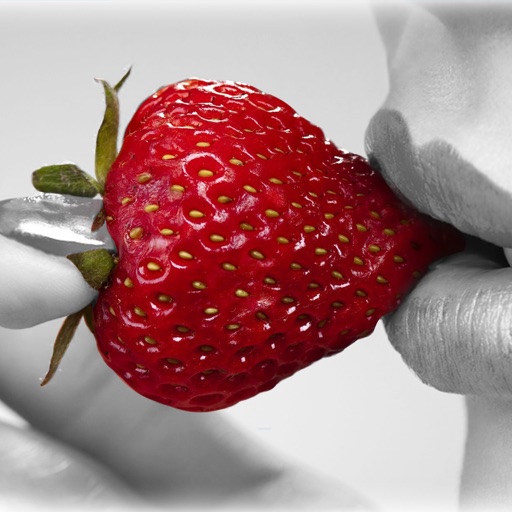
Convert to grayscale and highlight a specific . Tap to select the to emphasize. Preserve detail and apply effects using advanced computer vision. Export edited images directly.
Write and organize ideas with interactive checkboxes for task tracking. Create and reorder to-do lists with drag-and-drop functionality. Check off completed tasks and manage shopping lists, daily chores, and project tasks.
Take notes and sketch ideas with natural pen-like ink. Resize and reposition elements with finger gestures. Organize thoughts by rearranging concepts visually. Sync notes across devices and export in various formats.
Add grids to images with 5 types including rectangle and square options. Customize lines with RGB colors. Adjust rows and columns or set row height and column width. Export edited images.
Kal enables typing of Fidel characters with double tap or slide gestures. It includes an advanced word prediction algorithm for Amharic dictionary to enhance typing speed. Users can access multiple keys through gesture inputs.
Allows users to convert images to black and white while emphasizing specific objects or colors. Users can open existing images or capture new ones with the camera. They can zoom and pan using two fingers or paint with one finger.
Calculate with a dual-line display showing input and result simultaneously. Use percentage and backspace functions. Switch between 18 color themes. Enter multi-line equations. Automatically format scientific expressions.
Use camera to magnify objects. Switch between front and back cameras for mode with light bars. Tap to freeze image and adjust brightness and contrast. Pinch to zoom, rotate, and pan. Save final image to Photos.
The app calculates the difference between dates or adds/subtracts days from a date. Users can determine the number of days until a specific event or anniversary.
Write notes and memos for personal or shared use. Add photos to notes. Assign colors for easy searching. Use tags to categorize entries. Organize notes with custom sorting. Share notes with friends.
The app allows users to recolor photos and apply color effects. Users can choose from 66 vivid colors or black and white to decorate images, with options to adjust brush size, intensity, and translucence.
Offers customizable skins and LED effects for typing. Users can download RGB themes and apply colorful backgrounds. The includes auto-correction, emoji predictions, and fast typing features.