Apps Like Drawing Pad procreate Sketch for iPhone and iPad
Anywhere, draw anytime, share ideas
, paint, and doodle on a digital whiteboard. Share artwork with friends. Use stickers, brushes, and shapes to enhance creations. Add text and export drawings in multiple formats.
by Rohan Singh Rajput★ 4.166,955 ratingsProductivityFreeData updated 2026-09-14
Convert photos into 8-bit art using AI and manual drawing tools. Adjust colors, resize, and refine details. Export as image files or share directly. Create profile pictures, game assets, or digital art with customizable settings and editing options.
Create videos using photos from the camera roll. Set project titles and import images. Arrange photo order, select templates, add music, apply filters and effects. Choose format and export the final project.
Create videos with customizable backgrounds. Select from a library of images and videos to replace the foreground. Record over the chosen and share the final video. Add the # tag for visibility.
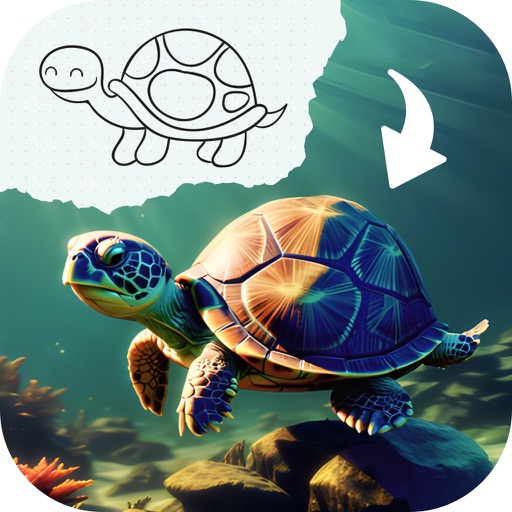
Create art from sketches or text descriptions using AI. Upload drawings or describe images to generate artwork. Edit and export generated art in various formats.
Create collages from single photos with one tap. Add doodles, captions, and textures to customize the design. Share or save collages for social media, journaling, or mood boards. Adjust styles to match personal preferences.
Allows users to select from 60+ illustrations. Choose from four realistic drawing tools including watercolor. Paint using artist-created patterns. Save and share completed pages.
Create and refine sketches and designs with layering and scaling features. Add symbols, text, and dimensions. Import images or plans to set scale. Zoom without quality loss. Rotate elements or the entire drawing.
Edit photos and videos with filters, cropping, and background erasing. Create collages by combining multiple images and videos. Add text, stickers, drawings, and textures. Save edited content and plan social media posts.
Create and customize cards with adjustable attributes and artwork. Upload designs to share or trade. Access a library of templates and elements. Edit details and artwork directly within the .
Objects in using finger gestures to draw and tag. Add text and comments in multiple colors. Use different line endpoints and angle tags. Include shape tags for precise markings. Save and share annotated images.
Create image compositions with layers, shapes, and text. Edit photos with touch-up tools and painting features. Add filters and adjustments. Export in various formats and share directly.