
iPhone Screenshots


Description
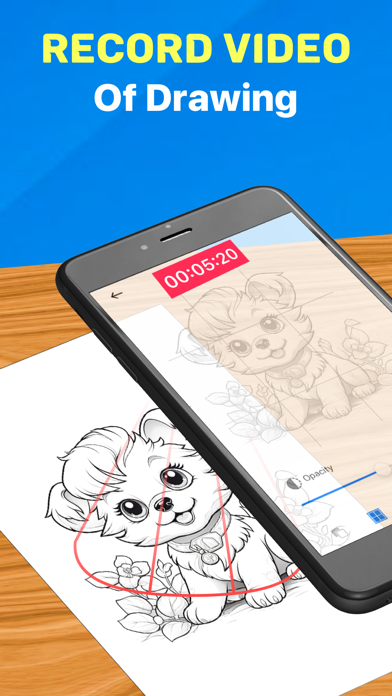
AR Drawing App offers an exceptional way to create stunning drawings and paintings using augmented reality technology. You can trace and draw anything you want on any surface.
How to draw:
1. Use our available art or Upload good quality images
2. Edit the image’s transparency and contrast until it’s traceable
3. Place your phone on a Tripod or cup above the page
4. Trace it and create an art in instant
Key Features:
Video recording your process
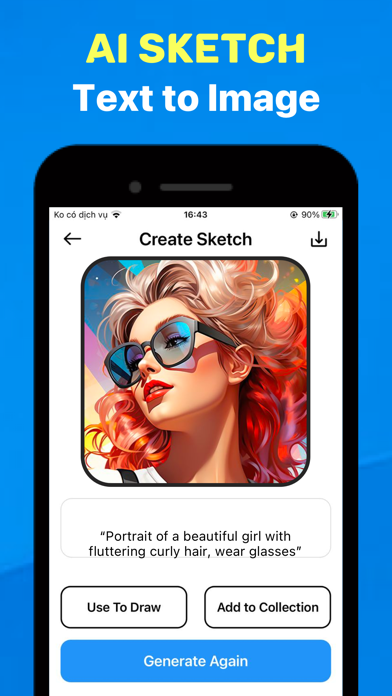
Generate any images to your liking using AI Sketch
Browse your images and import them into the app
Lots of topics: Anime, Animal, Nature, Food etc.
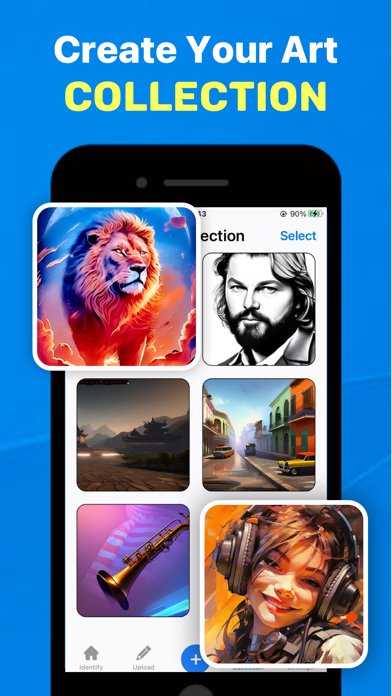
Save your collection
You can use this app whether you're a great artist attempting to perfect the craft of sketching or a beginner aiming to create evenly proportioned drawings. So why wait any longer? Unleash your creativity and start drawing with the AR Drawing App today!
Subscription automatically renews unless auto-renew is cancelled at least 24-hours before the end of the current period. The subscription fee is charged to your iTunes account at the confirmation of purchase. You may manage your subscription and turn off auto-renewal by going to your Account Settings after purchase. Per Apple policy, no cancellation of the current subscription is allowed during active subscription period. Once purchased, refunds will not be provided for any unused portion of the term.
Terms of use: https://sites.google.com/view/ardrawingtracingprojector/terms-of-service
Privacy policy: https://sites.google.com/view/ardrawingtracingprojector/privacy-policy