Remove with automatic portrait recognition or brush matting tools. Choose from multiple shape options for precise masking. Add color line strokes to edited areas. Export modified images directly.
Annotate images with tools like arrow, rectangle, circle, text, and magnifier. Import photos from library, camera, or map. Export with custom sizes and share. Customize colors, undo changes, and manage layers. Crop images and save history sessions.
Edit photos with facial adjustment tools for eyes, nose, lips, eyebrows, and jawline. Retouch skin, whiten teeth, and remove dark circles. Apply makeup with customizable options. Adjust backgrounds and export in multiple formats.
Allows users to apply effects to backgrounds. Select images from the gallery or capture new photos. Use multiple blurring tools to adjust the effect. Export edited images directly.
The app allows selective editing of photos with filters, effects, and adjustments. Users can apply multiple effects to specific areas or the entire image, offering extensive creative possibilities.
Edit photos with cropping, resizing, and removal tools. Apply filters, adjust colors, and add text overlays. Export images in various formats and share directly to social media or online stores.
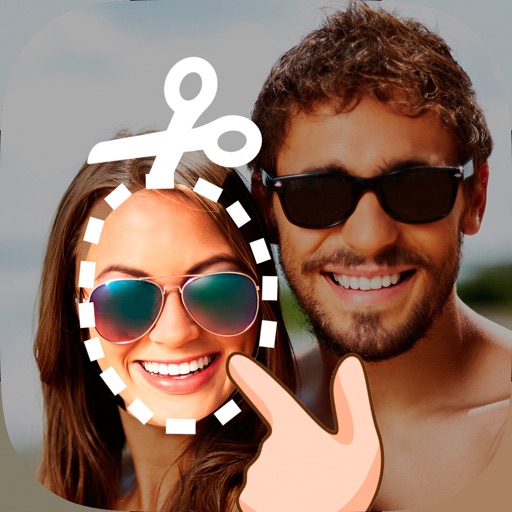
Edit photos by cutting and pasting faces, removing backgrounds, and deleting unwanted people. Add missing faces to photos. Use the silhouette head tool to select and edit elements. Export edited images directly.
Edit photos with , , and AI cutout tools. Apply neon, glitch, and overlay . Add doodles, artistic text, and fun stickers. Share edited photos directly to Instagram, WhatsApp, Facebook, and Messenger.
Convert photos to black and white drawings for . Import photos from device or camera. Add colors using painting tools. Create drawings on blank canvas. Premium version offers more paint colors, opacity control, and outline editing. Removes ads.
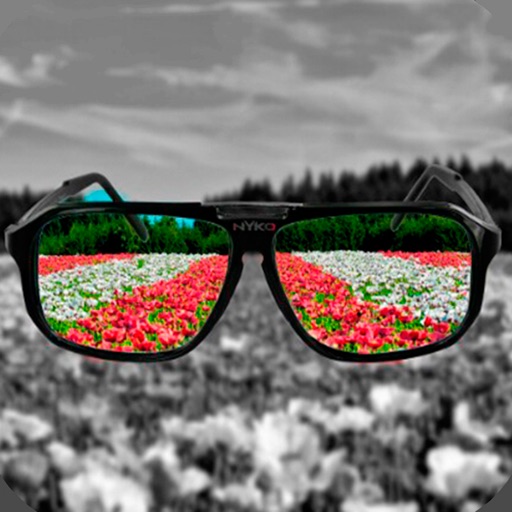
Edit photos with filters, adjustments, and effects. and focus areas with finger movements. Crop, rotate, and add text or stickers. Adjust tone curves and apply splash effects. Save and share edited photos to social media.
Take photos with color and sharp filters. Apply whiteness and beauty skin effects. Combine filters and colors for custom looks. Add contacts in 64 pattern colors. Use filters in both camera and alarm modes without charge.
Create pixelated photos with customizable frames. Apply blur and black-and-white effects. Adjust touch controls for creative effects. Choose from available frames or customize your own. Export and share the final image.
Edit photos by typing descriptions to change outfits, body features, or backgrounds. Adjust specific image parts with AI. Swap objects and modify appearances. Export edited images directly.