Convert grayscale or black and white images to using selective recoloring. Select and capture images, pan and zoom for precise editing. Adjust brush size and opacity. Apply 200+ filters. Preview changes in real time. Redo or undo edits.
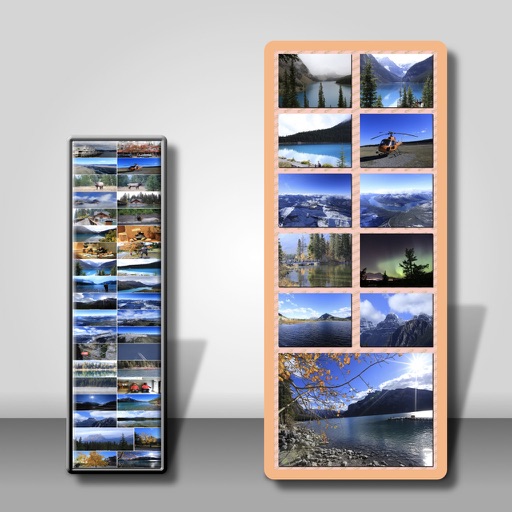
Combine multiple photos into customizable frames or collages with 55 adjustable templates. Add rounded corners, effects, shadows, and patterns. Choose colors using an easy color picker. Save projects and share via Facebook, Email, or Twitter.
Edit photos with splash effects, convert images to black and white, or apply custom colors. Add filters, zoom in on photos, and use a brush tool. Export and share edited images directly.
Blur faces automatically using facial recognition. Add blur, solid color, or emoji to hide faces. Resize and reshape blur regions. Adjust color and effects. Share edited images to photo library and other apps.
Control and customize exterior lights with preset holiday programs for Christmas, Easter, Fall, Spring, Halloween, and Fourth of July. Create custom sequences using Chase, Paint, Color, Stacker, and Multi Paint. Add lightning and twinkle effects.
The app allows users to swap faces in photos. Users can take a picture or load one from their library, place masks over two faces, and the app swaps them.
Create collages by combining multiple photos into layouts. Choose from 50+ grid styles and tree or 3D modes. Edit photos with cropping, filters, and text addition. Share finished collages directly.
Create digital collages using images from your photo library. Crop and remove solid backgrounds from photos. Rotate, resize, and reposition images. Adjust background size and tint. Experiment with creative arrangements for digital art.
Create and print tiles with self-adhesive magnets for easy mounting. Edit and arrange photos in customizable layouts. Share galleries digitally or print directly. Order monthly tiles with free delivery.