Send stickers featuring two characters in various expressions and situations. Add them to messages, images, or stack them on top of each other. Choose from over 100 high-quality sticker options.
by Salvatore Petrazzuolo★ 0.00 ratingsStickers$0.99Data updated 2026-09-13
Send stickers to messages by tapping the sticker pack in iMessage. Choose from cat emojis. Paste stickers directly into conversations. Add stickers to iMessage via Store or Manage tab.
Send stickers featuring food items and cooking tools from the game Cook, Serve, Delicious! Customize messages with emoji or image stickers. Build burgers using included options. Share stickers within iMessage.
Add -themed to iMessage conversations. Choose from 30 animated and static images. Send directly within chats without leaving the . Customize sticker placement and size.
Use animal-themed stickers to express emotions. Choose from various animal images. Customize sticker size and position. Share stickers via messaging apps. Add stickers to photos or messages.
Send and receive stickers in iMessage with 189 unique designs. Includes 64 animated stickers. Add stickers to conversations, customize with text, and share directly. Purchase to unlock all stickers.
Use to add animations and sound effects to messages. Choose from themed characters and scenes. Customize sticker packs with character interactions. Share across devices and platforms.
Enhance iMessages with stickers. Drag and drop stickers into conversations. Layer stickers over each other. Scale and rotate stickers with a second finger before placing.
Send messages with car stickers. Tap to send or hold to place stickers over bubbles, images, and videos. Access stickers via the drawer in the Store. Share stickers in iMessage chats.
Send stickers featuring a cat with expressive animations. Choose from playful, happy, or affectionate designs. Add stickers to messages, share reactions, and customize conversations with animated visuals.
Send messages with brush-lettered and hand-drawn stickers. Tap to add to message threads. Drag and drop onto speech bubbles, photos, or other stickers. Scale and rotate stickers with a second finger before placing them.
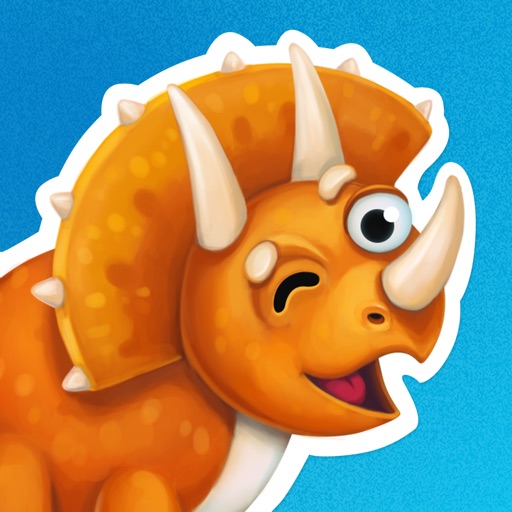
Add animated dinosaur stickers to messages. Customize sticker size and position. Choose from multiple dinosaur characters. Share stickers across platforms. Rate stickers within the .
Browse and send over 100 cat-emoji stickers across categories like Smiling & Affectionate and Tongues. Customize sticker size and position. Share directly within apps or via messages. No in- purchases.
Use featuring to personalize messages. Add to text, emails, and social media posts. Choose from 27 high-quality designs. Share directly within apps or via links.
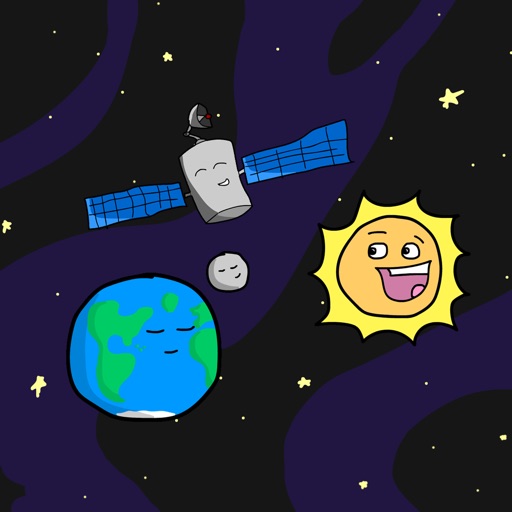
Add space-themed emoji stickers to iMessage conversations. Customize messages with animated stickers of planets, rockets, and stars. Share stickers directly within chats or save for later use.
Create custom emojis by combining and speech bubbles. Use high-quality HD graphics in conversations. Add expressive to messages for more engaging communication. Share and send within iMessage.
Send and receive stickers in real-time. Choose from a variety of themed animations and expressions. Customize sticker packs. Share stickers across platforms. Add new stickers via in- purchases.
Send to express emotions during conversations. Choose from various reactions to represent feelings. Share with friends and family. Provide feedback for new sticker ideas.
Offers car-themed stickers for messages. Includes hand-drawn designs of popular vehicles and graphics. Users can select and send stickers directly in chats. Features a curated collection of automotive-themed images.