
Everyday Letters
Send stickers to add style to messages
Anna Marie Ignacio
iPhone Screenshots
Description
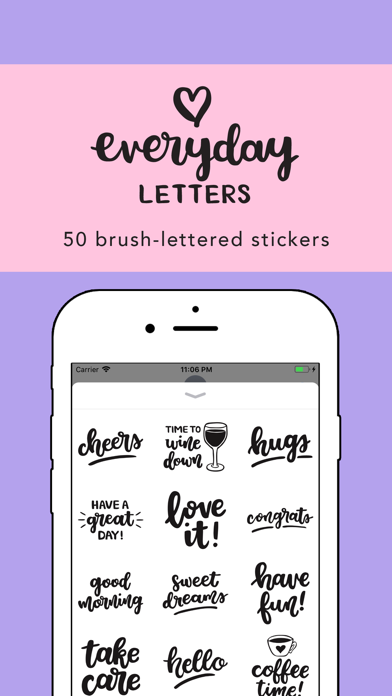
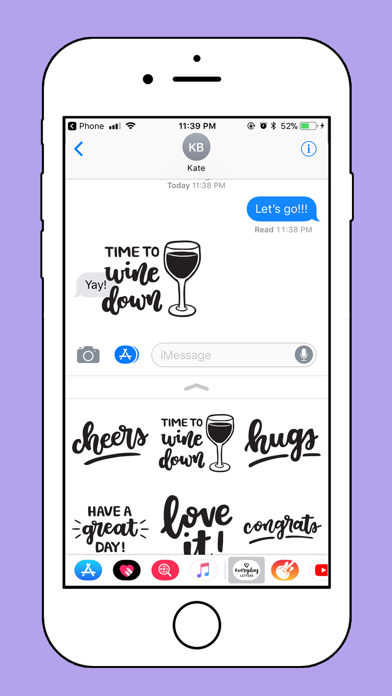
Send messages with brush-lettered and hand-drawn stickers. Tap to add to message threads. Drag and drop onto speech bubbles, photos, or other stickers. Scale and rotate stickers with a second finger before placing them.
Send your everyday messages in style with this lovely set of stickers for iMessage.
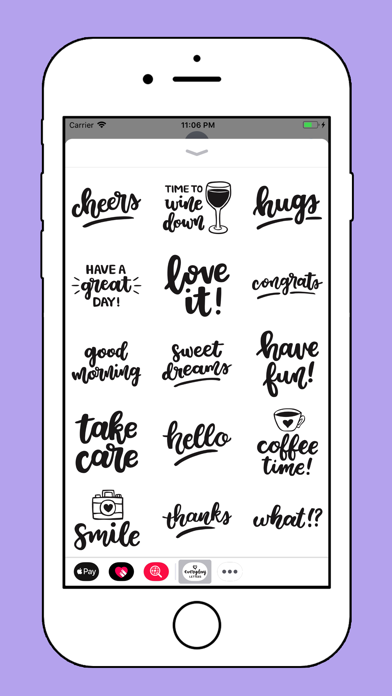
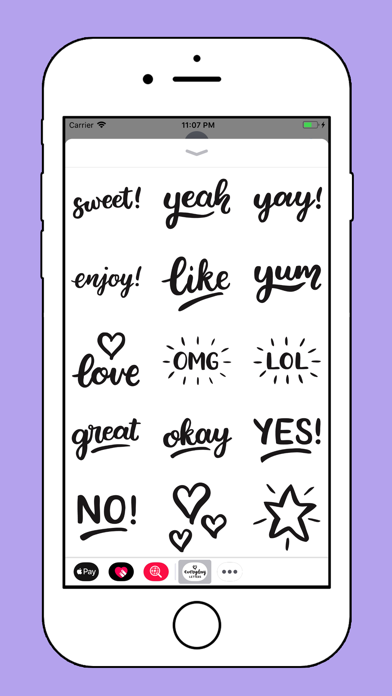
Everyday Letters features a total of 50 brush-lettered and hand-drawn messages, ready to add some fun to your everyday conversations with family and friends.
How to use stickers:
- Tap to send sticker to your message thread.
- Drag and drop on top of speech bubbles, photos or other stickers.
- Scale and rotate stickers by using your second finger before dropping them into your messages.