Edit photos with stickers, filters, and effects. Add text and customize images. Share edited photos directly. Retouch images with over 200 -themed stickers. Save and export in various formats.
by Tarika Sultana★ 4.1269 ratingsPhoto & VideoFreeData updated 2026-09-13
Edit photos and videos with move, rotate, scale, flip, and custom adjustments. Apply unique filters, effects, borders, and frames. Add text and stickers. Share full-size content directly to and other social platforms without cropping.
Shenzhen Qianhai Happy Tour Network Technology Co., Ltd.
Create ghost videos and photos easily.
The app allows users to create videos and photos with transparency and fade effects. Users can clone ghosts, apply filters, make illusions, and create collages.
Edit photos with New -themed frames and effects. Crop images, add stickers, and insert text. Share edited photos directly or export in various formats.
Edit by selecting from the gallery or using the camera. Add and adjust their position, size, and rotation. Crop images by dragging or scaling with two fingers. Share the edited photo directly.
Edit photos by removing objects, erasing backgrounds, enhancing quality, expanding canvas, or replacing elements. Generate new images with AI filters. Perform basic edits and apply creative AI effects. Save and share edited photos directly.
Remove backgrounds from photos using the magic tool. Manually crop or restore parts of an image. Create stickers and edit outlines for YouTube thumbnails. Export high-quality PNGs without watermarks.
Create pictures by applying cartoon filters to selfies and photos. Edit images with graphics and text. Update pictures frequently and save edits for future use.
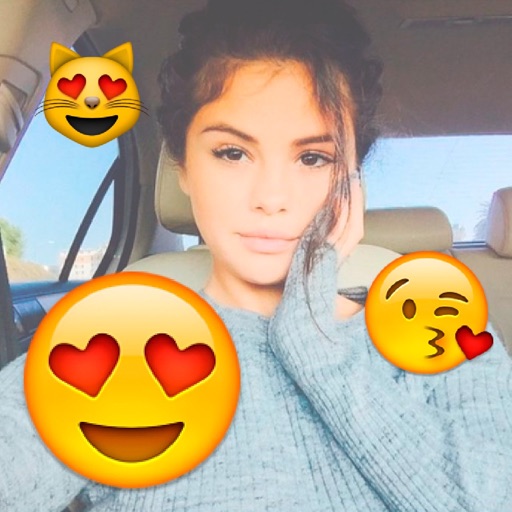
Add stickers to photos. Edit pictures with filters and effects. Share edited photos on social media. Include features for creating stories and storing pregnancy photos.
Edit photos and videos with Magic AI Retouch for skin smoothing and color correction. Apply vintage presets for nostalgic effects. Adjust brightness, contrast, and saturation. Add text, stickers, and filters.
Create large tiled banners from photos for Instagram. Adjust size, add photos, and scale or move images. Save tiled banners to your album and upload to Instagram.
Edit photos with brightness, saturation, and contrast adjustments. Add text, stickers, and memes. Crop, rotate, and straighten images. Apply effects and frames. Sharpen or blur photos. Import images from the camera roll. Fix red tones.
Edit photos with filters, cropping, and adjustment tools. Add text, stickers, frames, and patterns. Create collages by combining multiple photos. Share edited images directly to social media.
Edit photos with reshape tools to adjust proportions and add muscle definition. Enhance facial features with retouch options. Apply filters and effects. Save and share edited images directly.
Create custom designs with photos using templates, fonts, filters, frames, and hand-crafted stickers. Organize and save moments. Share edited photos directly.