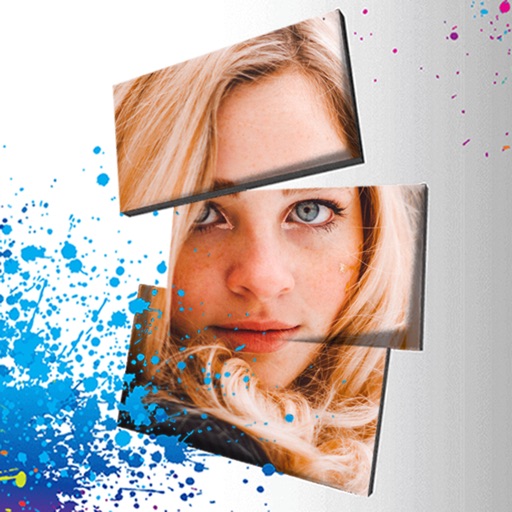
Edit photos with 3D and color effects to create立体 art. Apply special effects to enhance images. Save and share edited photos directly. Use fun and intuitive editing tools for creative customization.
Sketch and draw using the ® with step-by-step guidance. Learn to write with interactive lessons for all skill levels. Export drawings and access tutorial videos for practice.
Edit and enhance grayscale photos with 20 predefined presets and custom adjustments. Apply vignette effects and modify color channels. Save personalized presets. View and share monochrome images directly.
Transform photos into cartoon caricatures using AI technology. Apply face swap features to create humorous styles. Choose color, black and white, or pencil formats. Customize caricatures for birthdays, couples, or professional use.
Create and edit drawings using various tools like Pen, Line, Arrow, Rect (Stroke/Fill), Ellipse (Stroke/Fill), Eraser, and Text. Choose from multiple colors including Black, Red, Green, Blue, Yellow, and more. Save or share drawings directly.
The app offers creative photo editing with global and local tone and color correction. Users can retouch photos, move objects, and apply adjustable filters and textures partially.
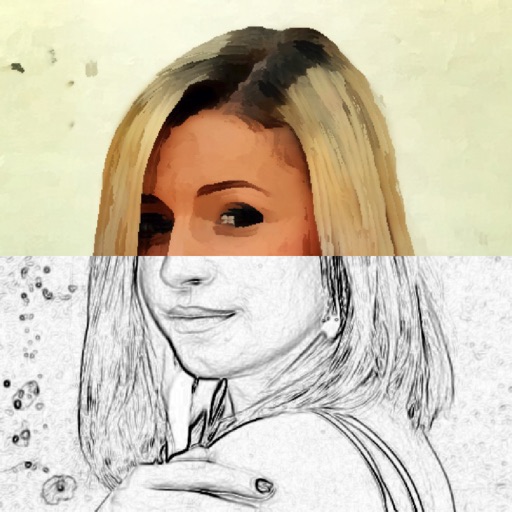
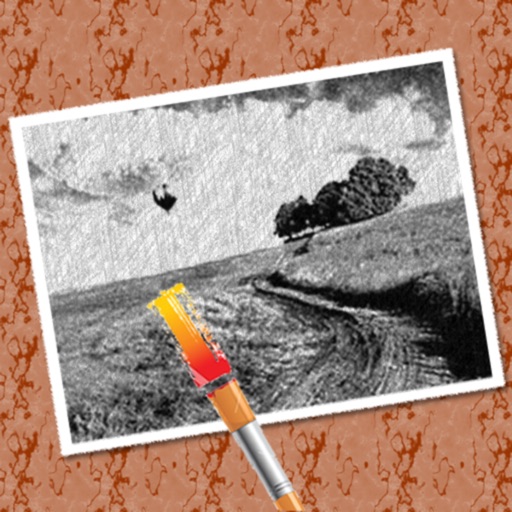
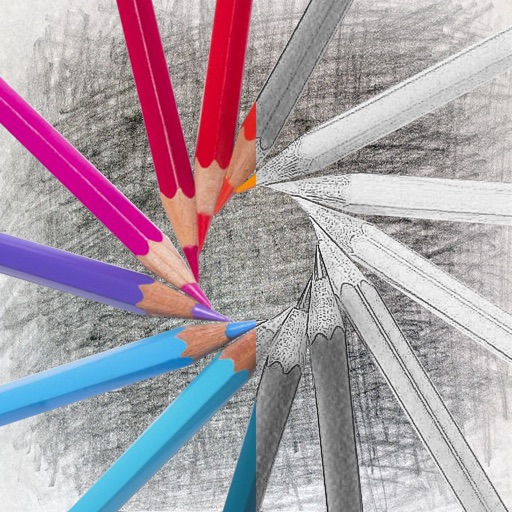
The app converts photos into pencil sketches for coloring. Users can import pictures from photo albums, the camera, or Flickr, and color them using touch controls.
Edit photos with AI cartoon filters, -to-sketch conversion, and mosaic art creation. Remove backgrounds, add drip art, and create collages. Save and share edited images directly.
Create and share sketches with realistic brush strokes and modeling effects. Study forms, shapes, and architecture. Save drawings to photo library or social media platforms like Twitter, Facebook, and Sina Weibo.
Browse organized into 25 categories including Abstract & Textures, Animals, and Space & Galaxy. Set as phone background. Share via social media. Apply color filters to customize appearance.
Create notes on photos directly from the Photos without opening another . Edit images with cropping, adjustments, and text overlay. Use action extension to edit photos from any .
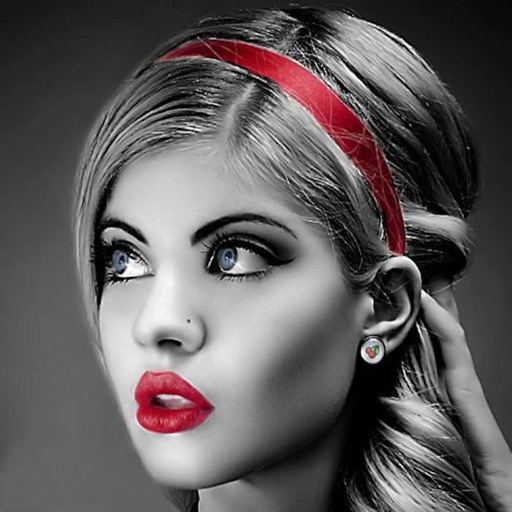
Edit photos with selective effects using gesture controls. Zoom and pan to adjust splash areas. Convert parts of the image to grayscale while keeping selected regions in full . Export edited photos directly.
Edit photos with filters, cropping, and brightness adjustments. Add text, stickers, and drawings. Remove blemishes and whiten smiles. Create collages with multiple layout options. Export in various formats and share directly.
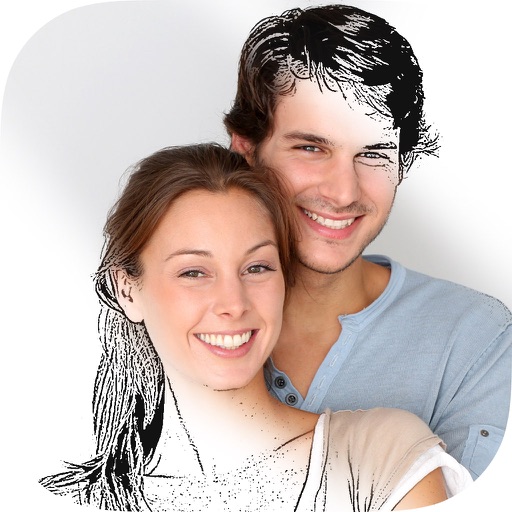
Convert photos into sketches with tone drawing engine. Adjust pen color, size, and background. Generate strokes with transparent backgrounds. Save sketches in original size and colorize with original colors.