Convert rectangular photos to (1:1) or portrait (4:5) formats. Select media, choose layout options, and share directly. Add white frames and adjust background colors for clean, framed visuals.
Edit photos with filters, effects, and AI tools to remove or blur backgrounds. Add stickers, text, and frames. Apply glitch, neon, and drip effects. Adjust colors and crop images. Export and share edited photos directly.
The app provides users with 48 pencils and 41 papers for creating sketches. It includes features such as layers, zoom functionality, an eyedropper tool, and undo/redo options.
Create videos from photos and clips for events like birthdays and holidays. Add animated collages, AI-generated stickers, and smart transitions. Automatically generate slideshows with transitions. Share finished videos directly.
Capture photos and videos with real-time filters applying effects during recording. Adjust filter position by tapping, swiping, or pinching. Edit videos with multiple filter styles ranging from funny to artistic. Share edited content directly.
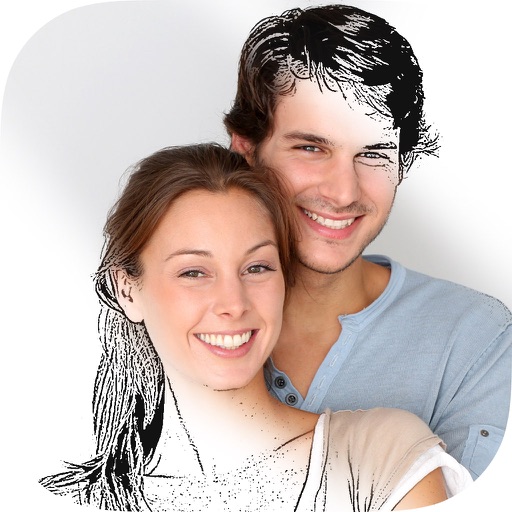
The app analyzes and redraws photos from scratch, creating pencil sketches of remarkable quality. Users can explore art possibilities with simple controls and save creations in 4K resolution.
The app offers on-device photo editing with AI features like background removal and auto-enhancement. It includes over 38 filters, stickers, text editing, and export options for HEIC, JPEG, or PNG formats.
Apply effects like , Doodle, and Hatch to photos. Add photo frames to edited images. Use Photo in Photo feature to overlay sketches on original photos. Edit and share modified photos directly.
The app offers a professional-grade camera with manual controls for exposure, focus, and white balance. It also includes a nondestructive photo editor with adjustments for color, sharpness, and skin tone.
Record and switch between up to 9 external A/V inputs supporting NDI, NDI HX, SRT, or RTSP protocols. Use up to 4 UVC cameras on iPadOS 17. Access all built-in cameras on iPhone/iPad simultaneously.
AI Art lets users create digital artwork using AI. Input text or sketches to generate art. Choose from various styles and color schemes. Adjust details to refine the output. Save and share the final artwork.
Convert photos to black and white drawings for . Import photos from device or camera. Add colors using painting tools. Create drawings on blank canvas. Premium version offers more paint colors, opacity control, and outline editing. Removes ads.