Apply AI-based filters to transform photos into -style art. Choose from various pre-designed templates. Edit and save modified images directly. No internet required for processing.
by Osawa Shunsuke★ 4.817 ratingsPhoto & VideoFreeData updated 2026-09-12
Transform photos into artistic creations using AI-powered style transformations. Choose from 30+ options like watercolor, oil painting, pixel art, and comic book. Apply effects to portraits or snapshots and export the results.
The app allows users to edit photos to create fake miniatures and adjust depth of field. Users can select or take a photo and apply blur tools for smooth transitions between focused and unfocused areas.
Capture photos with real-time filters mimicking 35mm film, Polaroid, and point-and-shoot cameras. Apply grain, color shifts, and film textures. Adjust exposure, contrast, and saturation. Save and share edited photos directly.
Edit photos with advanced tools, layers, and over 300 filter presets. Adjust exposure, contrast, and color. Apply creative and export in various formats. Sync with for raw processing.
Edit photos with color effects, convert images to grayscale or apply custom colors. Adjust hue, saturation, contrast, and sepia tones. Save and share edited images directly.
Edit photos with AI-powered enhancements, facial refinement, and background removal. Apply creative styles like emoji or Ghibli art. Remove objects and adjust colors automatically. Export edited images in various formats and share directly.
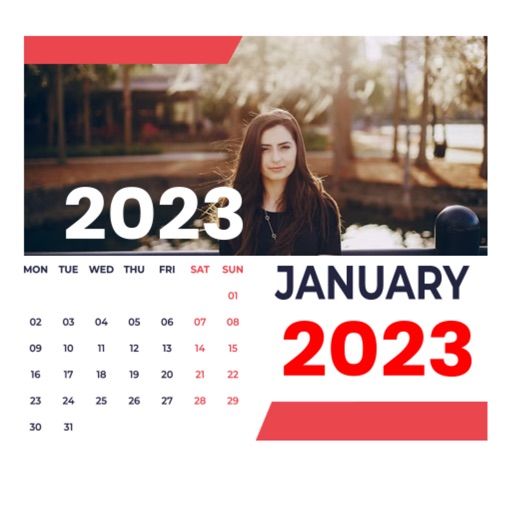
Edit photos by selecting from the gallery or using the camera. Apply multiple frames and effects. Adjust position, size, and angle. Save edited images and share via social media or email.
Edit photos using non-destructive layers and filters. Drag images into the workspace or layers list to add them as new layers. Apply live adjustments with real-time previews. Support multi-touch gestures for intuitive navigation.
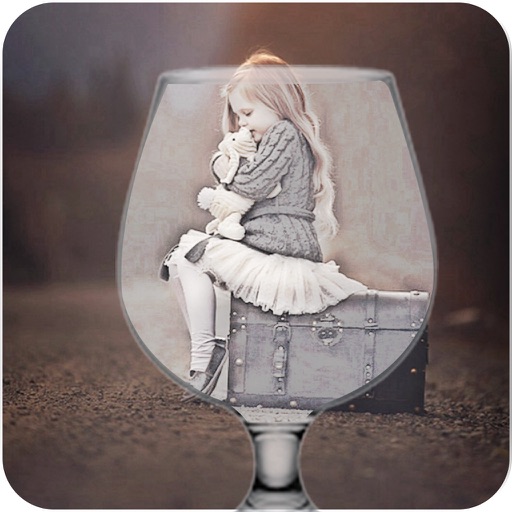
Add photos to frames with customizable designs. Edit images within the . Share created frames with friends. Apply high-quality templates to personal photos. Export and save modified images.
Snap and upload artwork images. Analyze paintings and sculptures with plain language explanations. Provide witty interpretations and in-depth insights. Share results directly or save for later review.
Edit photos with over 20 available effects. Apply filters, adjust brightness and contrast. Crop and rotate images. Save and share edited photos directly.
Edit photos by applying AI-generated 90s-style filters. Add timestamps, film grain, and old-school camera effects. Choose from multiple styles to customize edits. Save and share transformed images directly.
Edit photos by selecting from the gallery or capturing with the camera. Apply multiple and effects. Adjust position, size, and angle. Save, share, or upload images to social media platforms like Facebook, Twitter, and email.
Apply effects like , Doodle, and Hatch to photos. Add photo frames to edited images. Use Photo in Photo feature to overlay sketches on original photos. Edit and share modified photos directly.
Create realistic images by combining parental features. Upload photos to generate AI-based faces. Adjust facial details and expressions. Save and share generated pictures.
Edit photos by selecting from a gallery or the camera. Apply multiple stylish and effects. Adjust position, size, and angle with finger gestures. Share edited images directly.
Enhance clarity with AI-based unblurring. Adjust sharpness, brightness, and contrast. Remove noise and artifacts. Export enhanced images in various formats. Share directly or save to device.
Edit photos and videos by swapping faces using AI technology. Adjust facial features and expressions. Apply filters and effects. Export edited content in various formats and share directly.