Apps Like AI Art Generator: Magic Brush for iPhone and iPad
Convert photos into artistic styles
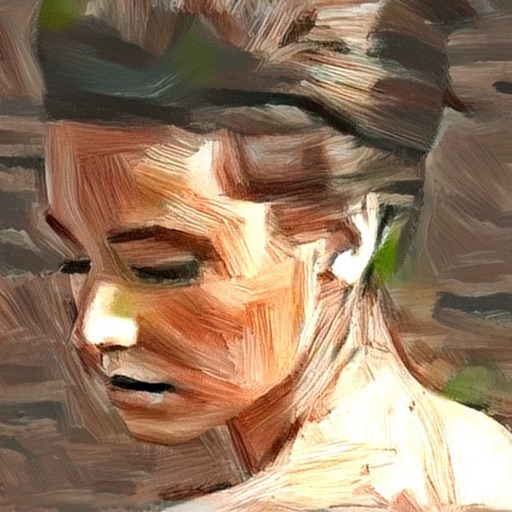
Transform photos into artistic creations using AI-powered style transformations. Choose from 30+ options like watercolor, oil painting, pixel art, and comic book. Apply effects to portraits or snapshots and export the results.
by Salih Yusuf Goktas★ 0.00 ratingsGraphics & DesignFreeData updated 2026-09-06
Create artworks from photos or videos using styles like , sketch, oil painting, and watercolor. Choose textures such as canvas or paper. Adjust tones and apply filters. Share creations directly from the .
Enter text prompts to paintings using AI. Choose from art styles like Cyberpunk, Van Gogh, and Oil painting. Adjust style parameters to refine the output. Export and share the generated artwork.
Create digital artwork with realistic painting and drawing tools. Use exclusive brushes mimicking real-world art mediums. Simulate fluid watercolor effects. Adjust brush settings for precision. Export artwork in various formats.
Generate AI art by typing any idea and watching it come to life. Create portraits, landscapes, and characters. Convert photos into artistic styles. Edit and download generated artwork in various formats.
And create art with a variety of pre-designed images including mandalas, animals, and flowers. Build a garden, earn rewards, and access daily updated coloring pages. Share finished artwork and customize palettes.
Allows users to import photos and access over 20 ultra-realistic brushes. Create detailed and paintings with adjustable brush pressure and flow. Export artwork in multiple formats and share directly.
Pages from popular comics like Guardians of the Galaxy and Doctor Strange. Add using tap-to-fill and brush tools. New pages are added weekly. Save and share completed artwork.
Transform photos into , oil, digital, or contemporary art styles. Apply artistic effects with one tap. Adjust brush size, color, and texture. Save and share edited images directly.
Turn photos into artistic portraits using AI-generated styles inspired by famous paintings. Choose from various art techniques and adjust details. Save and share the final artwork in different formats.
Create and customize art drawings with a variety of colors and tools. Select from pre-designed templates or draw freely. Save and share finished artwork. Collaborate with others in real-time. Learn basic drawing techniques through guided activities.
Coloring pages allow toddlers to draw and color in various themes. Pages include animals, dinosaurs, dolls, and more. Features include hand-eye coordination exercises, color recognition activities, and creative tools.
Transform photos into artistic styles like anime or oil painting with one tap. Age or rewind time in images. Edit and share transformed photos. Apply AI-generated artistic effects. Adjust and refine style transformations.
Personalize phone with , , alarm sounds, notification tones, watch faces, and live photos. Create custom designs using AI tools. Search for existing content or upload own files. Set different for contacts.
Transform photos into cartoon, anime, painting, or fantasy styles with instant artistic effects. Upload images and apply over 100 dynamic video effects to create animated videos. Edit and share the resulting artwork or video directly.
Create custom art by taking a selfie or photo. Select and pixels based on numbers. Share finished artwork on social media. Use magic wand tool for quick coloring. offline without internet connection.