Apply AI-based filters to transform photos into -style art. Choose from various pre-designed templates. Edit and save modified images directly. No internet required for processing.
by Osawa Shunsuke★ 4.817 ratingsPhoto & VideoFreeData updated 2026-09-12
Edit photos using over 300 effects and 50 filters. Apply bokeh and styles with one tap. Share edited photos to social media platforms. Adjust brightness, contrast, and saturation. Crop and rotate images. Export in various formats.
Edit photos with Polaroid-style frames and film filters. Apply vintage color tones and grain effects. Add text and stickers. Export images in various formats and share directly.
Edit photos with over 1000 filters and effects. Apply artistic sketches, paintings, or cartoon styles. Add textures and vignettes. Create cards with customizable templates. Auto-enhance images and export in various formats.
Edit photos by applying various frames and effects. Select images from the gallery or capture new photos. Access multiple stylish frames and decorative options. Save and share edited photos directly.
Create personalized designs using AI technology. Upload a hand image to generate custom patterns. Choose from various styles and themes. Save and share designs. Adjust colors and details for customization.
Edit photos with AI-powered transformations using text prompts. Remove objects, change backgrounds, and apply artistic styles. Adjust colors and lighting. Save and share edited images. Zoom and pan for detailed editing. No complex tools required.
Apply vintage filters to photos and videos. Use multiple styles with customizable backgrounds. Access Polaroid-style frames to enhance images. Support front and back cameras with flash functionality.
Analyze facial photos to generate personality reports based on facial features. Identify traits, strengths, and behaviors using AI and physiognomy. Share or save reports directly from the .
Apply New -themed photo frames to images. Choose from various frame styles and animations. Share edited photos directly to social media or messaging apps. Adjust frame settings for fit and timing.
Generate images from text descriptions using AI. Customize details like style, color, and composition. Edit generated artwork with tools like cropping and filters. Save and share finished pieces directly.
Capture photos with built-in live filters in landscape or portrait mode. Adjust saturation, contrast, brightness, exposure, and sharpen. Apply crop, gamma, haze, sepia, or color invert.
Apply filters by literary themes to enhance photos. Choose from pre-designed filters based on like The Great Gatsby and 1984. Adjust and combine filters to match desired aesthetics. Save and share edited photos directly.
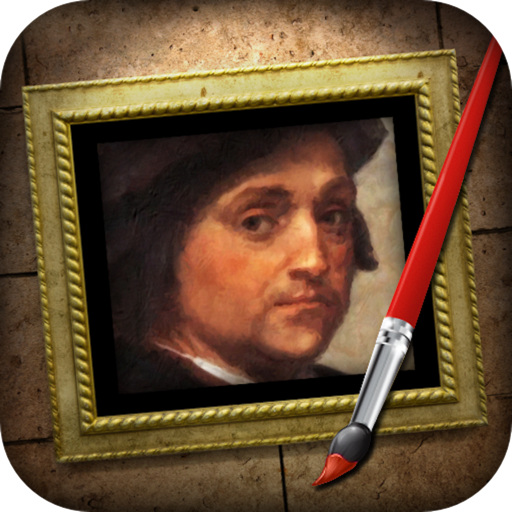
The app transforms photographs into artwork using an automatic painting tool. Users select a paint style and apply it to their photo, with options for brush size, stroke variation, and color tone.
Create AI-generated art by inputting text descriptions. The uses stable diffusion technology to produce images based on user prompts. Edit and download generated artwork in various formats.