Apply AI-based filters to transform photos into -style art. Choose from various pre-designed templates. Edit and save modified images directly. No internet required for processing.
by Osawa Shunsuke★ 4.817 ratingsPhoto & VideoFreeData updated 2026-09-12
Create AI-generated art from text prompts. Generate portraits and scenes with simple descriptions. Edit and share generated images directly. Access a variety of artistic styles and customization options.
Add effects to photos and videos using adjustable glitter intensity. Choose from camera roll media to apply effects. Swipe to switch between different styles. Share edited content directly to social platforms.
Edit photos by selecting from the gallery or capturing new ones. Apply various and effects. Adjust image position, size, and angle. Save, share, or upload photos to social media platforms like Facebook, Twitter, and email.
Edit photos by rotating and adjusting resolution. Select images from camera or album. Arrange and organize photos with drag-and-drop functionality. Save and share edited images directly.
Edit photos with , rotate, and custom rotation tools. Resize images and adjust pixel dimensions. Change aspect ratio and apply effects. Save edited photos in JPEG or PNG format and store them in the gallery.
Create short videos with pre-designed templates and text animations. Customize videos for Instagram, Reels, and TikTok. Add text, adjust layouts, and save edited directly.
Transform photos into professional-quality images using AI. Upload a and generate polished, commercial-ready visuals instantly. Export images for Etsy, Shopify, TikTok, and Instagram without editing.
The app allows users to add and manipulate multiple bouncy slimes onto photos. Users can change the shape, size, and position of the slimes and share modified images.
Edit photos using text prompts to instantly transform images. Change backgrounds, alter outfits, restore old photos, and add selfies with childhood versions. Export edited photos and share directly.
Select a from the gallery or capture one with the camera. Apply various stylish and effects. Adjust position, size, and angle. Save, share, or upload the edited image to social media platforms.
Create videos and gifs using AI by uploading a selfie. faces with daily updated source videos, gifs, and images. Generate realistic avatars in various styles. Edit and share the resulting content.
Turn photos into cartoons with AI-powered image processing. Apply various styles including 2D anime, superheroes, and comic book effects. Edit and share the resulting images directly.
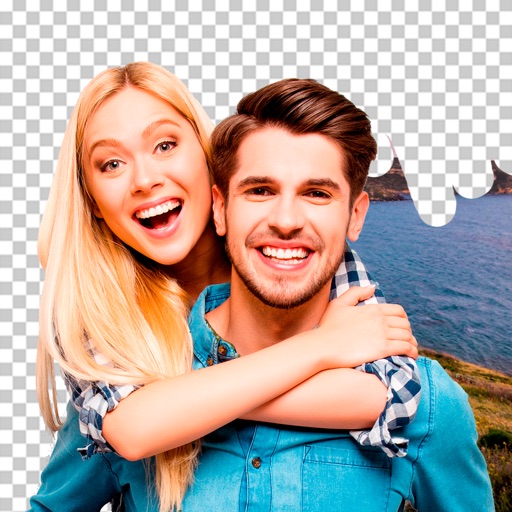
Edit photos by removing objects and changing backgrounds. elements to create montages. Adjust transparency and replace backgrounds. Save and share edited images directly.