
Photo Arrangement LITE
Arrange photos and videos easily
Shingo Ashimoto
iPhone Screenshots

Description
Edit photos by rotating and adjusting resolution. Select images from camera or album. Arrange and organize photos with drag-and-drop functionality. Save and share edited images directly.
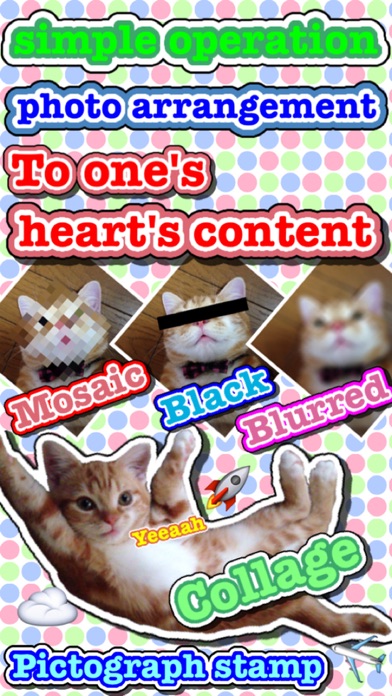
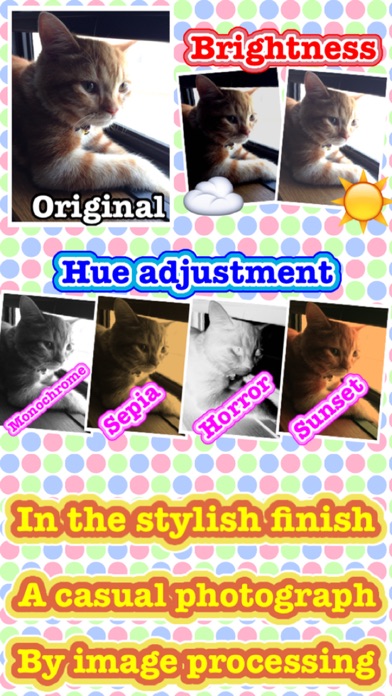
The photoarrangement can perform various arrangement for the image which I photographed with iPhone camera or the image in the camera roll.
◆How to use
The operation function explanation of each screen. ※explain an icon under the screen sequentially from the left
[An image choice screen]
Camera - By camera photography, decide the image of the editing object.
Album - Choose the image of the editing object than a camera roll.
Turn - Turn with an image.
Resolution change - Set the resolution after the change.
Hues change - Set the hues after the change.
Save function
・Save - Store a current image in a camera roll.
・File format change - Set the file format after the change.
Editing - Edit a chosen image.
[An editing screen]
Back - Return to an image choice screen.
Undo - Return the editing of the image.
Redo - Next the editing of the image.
Palette - Display the editing palette.
Text - Display the editing text.
Stamp & balloon - Display the editing stamp & balloon.
Collage - Select collage image from album.
Mosaic - Display the editing mosaic.
Save function
・Save - Store a current image in a camera roll.
・Resolution change - Set the resolution after the change.
・File format change - Set the file format after the change.
・Clear - Delete all the editing of the image.
[Operation of the editing]
Zoom: Pinch in / Pinch out
Scroll: Two finger drugs
◆ An inquiry
If there are an opinion, a question, please contact it to [[email protected]]