
PhotoEditor-Rotate Flip Mirror
Edit photos, resize images, save in JPEG
Suresh Verma
iPhone Screenshots

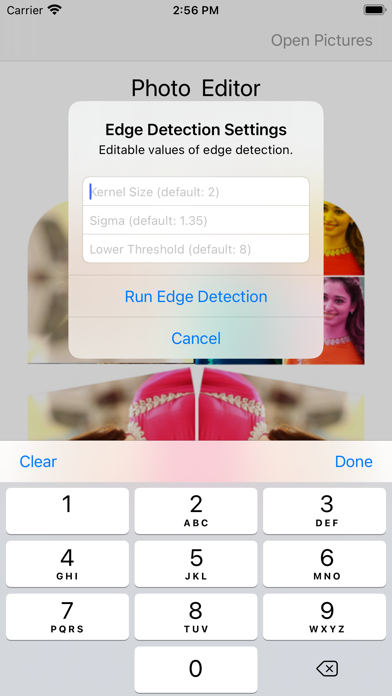
Description
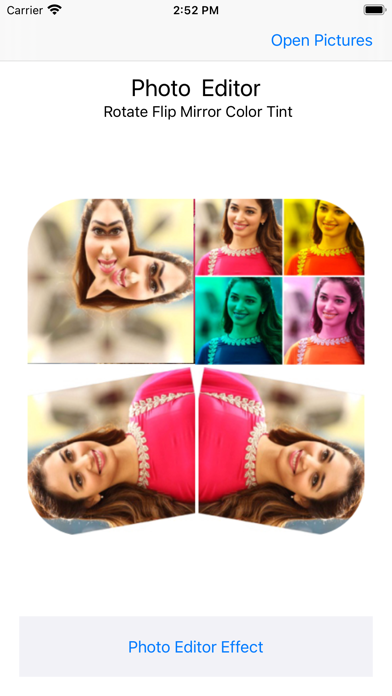
Edit photos with , rotate, and custom rotation tools. Resize images and adjust pixel dimensions. Change aspect ratio and apply effects. Save edited photos in JPEG or PNG format and store them in the gallery.
Quickly filter, resize or edit your photos & save images in JPEG, PNG file. Use Photo Editor to edit photos on your mobile phone just like you would on a PC.
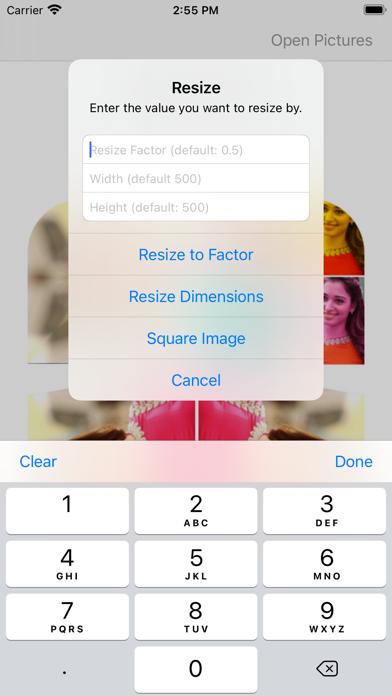
You can rotate and resize your photo in mere seconds. You can also choose the pixel dimensions you want, or change the aspect ratio.
How to use Photo Editor:
- Import your picture from gallery.
- Chose the tools
- Apply effects
- Save photo to gallery as Png or Jpg format.
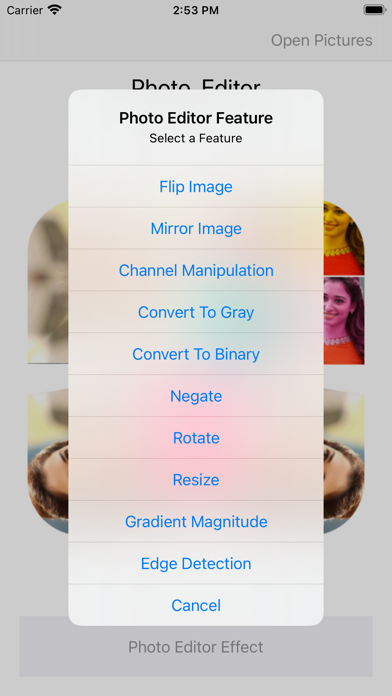
Photo Editor Features:
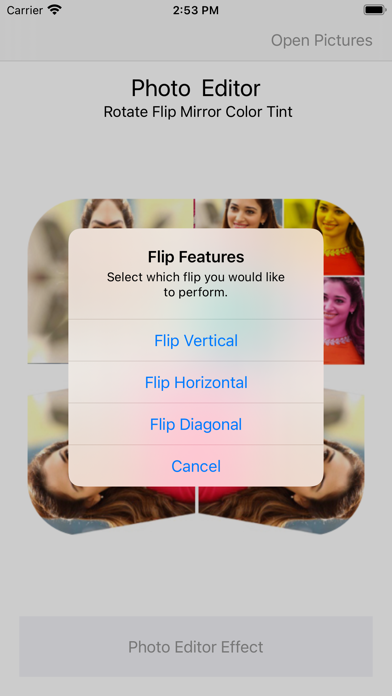
- Flip Image
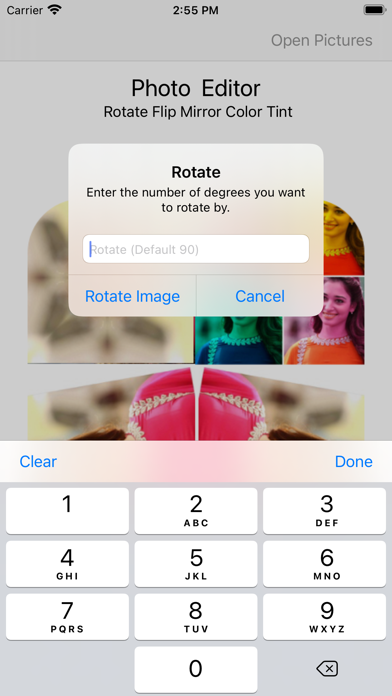
- Rotate Image
- Custom Rotation
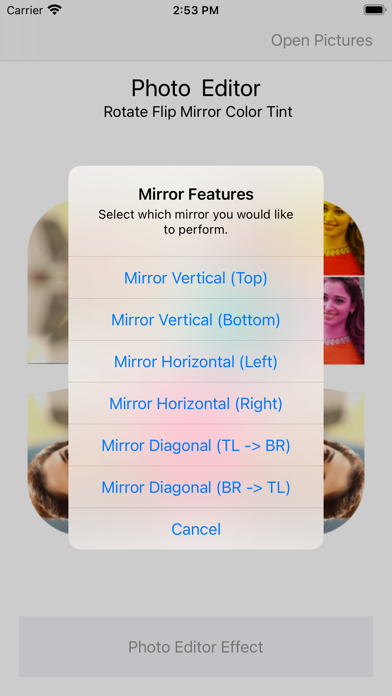
- Mirror Image
- Resize Image
- Negative Photo
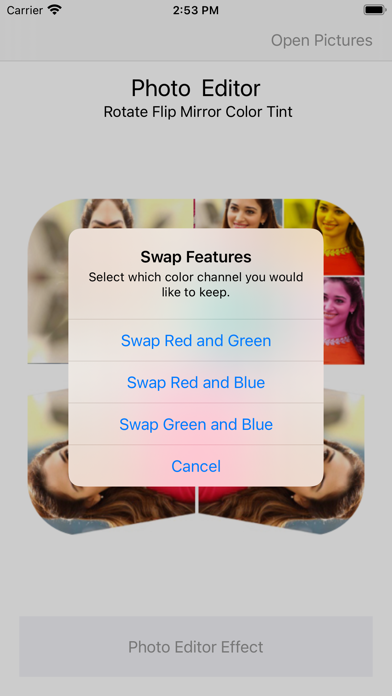
Swap Color Features:
- Swap Red and Green
- Swap Red and Blue
- Swap Green and Blue
Change Channel Custom Color Values:
- Change Red Channel
- Change Green Channel
- Change Blue Channel
Add Channel Custom Color Values:
- Add Red Color
- Add Green
- Add Blue
- Add All
Photo Editor create beautiful photo as well as edit them. You can change your old pics into color full by using Photo Editor App. Just simple, straightforward tools that transform your photo.