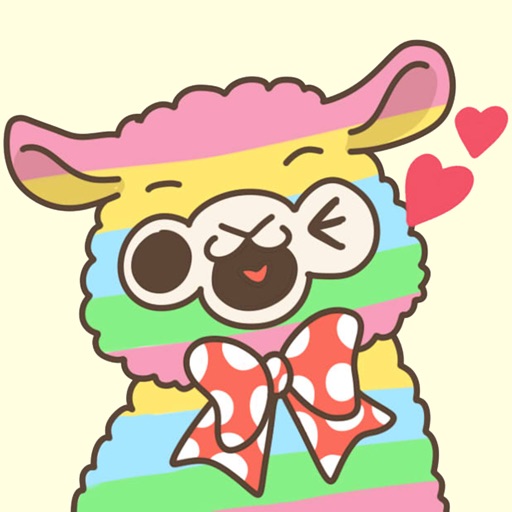
Send messages with brush-lettered and hand-drawn stickers. Tap to add to message threads. Drag and drop onto speech bubbles, photos, or other stickers. Scale and rotate stickers with a second finger before placing them.
by Anna Marie Ignacio★ 5.01 ratingsStickers$0.99Data updated 2026-09-12
Use stickers to express emotions and actions. Send stickers by touch or drag and drop. Zoom and rotate with two fingers. Includes expressions like wink, confused, and dancing. New stickers added over time.
Use animated stickers with from and Pixar movies. Add stickers to messages, scale and rotate them. Layer stickers on photos. Share stickers in chats and social media.
Use animated hand emojis to express approval or disapproval. Place stickers on messages, images, or other stickers in conversations. Customize placement and interact with animated effects.
Send directly from iMessage by tapping the sticker in the 's collection. Choose from -themed designs. Place on message bubbles or use peel-and-place adhesive for physical messages.
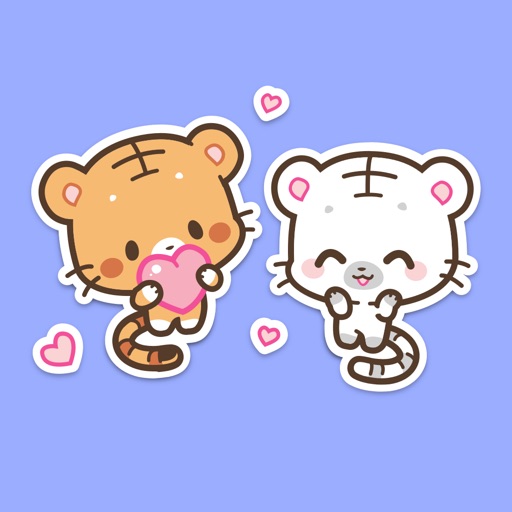
Use stickers to add messages in iMessage. Select and place stickers in message fields or drag them onto message bubbles. Includes 20+ original and Tiger designs.
Add and manage stickers for iMessage. Choose from heart, love, cry, surprised, afraid, and other emojis. Send stickers directly in conversations. Access via iMessage Store and drawer.
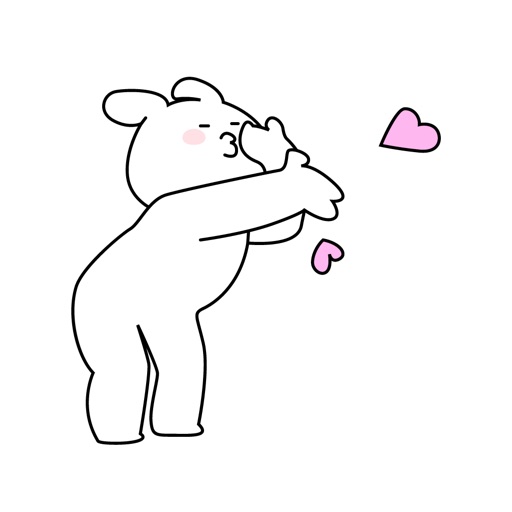
Send messages with "Kuma (Cute ) & (Cute cat)" stickers. Choose from illustrated sets to express emotions. Share stickers with friends and family. Add stickers to text conversations.
Add stickers to iMessage. Drag and drop stickers into messages. Includes funny actions. Six free stickers available. Purchase to unlock all and use permanently.
Add stickers to iMessage chats with drag-and-drop functionality. Includes greeting, gratitude, and friendly message stickers. Features illustrations. Supports daily communication with pre-designed text messages.
Use pinch gestures to scale stickers. Select and send stickers directly or drag them onto messages. Includes 28 animal-themed stickers such as seals, baby elephants, and hamsters.
Use pumpkin emoji stickers to enhance fall-themed messages. Add stickers to photos, layer them for creative designs, and scale or rotate for different layouts.
Create custom emojis by combining and speech bubbles. Use 50+ to enhance iMessage conversations. Add expressive visuals to messages without requiring internet connectivity.
Send animated stickers to friends with 380+ options. Choose from humorous and affectionate animations. Add stickers to messages or social media posts. Share reactions and express emotions through playful visuals.
Send stickers via iMessage by tapping the ">" button in a conversation, selecting the sticker pack, and choosing a sticker to add to your message. Drag and drop stickers into the text box to include them in your message.
Create custom emojis by combining and speech bubbles. Use high-quality HD graphics in conversations. Access a wide variety of and emojis to enhance messages.
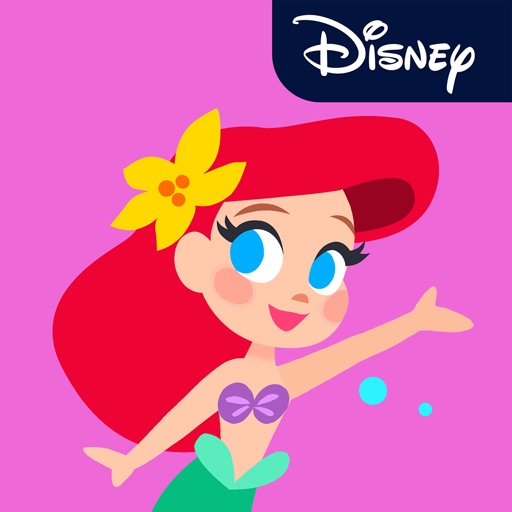
Add stickers to iMessages with characters like Ariel, Rapunzel, and Mulan. Scale, rotate, and layer stickers in chats. Place stickers on photos sent or received. Access additional packs through the iMessage Store.