
Best Architecture Stickers
Download and send them in messages
Neeraj .
iPhone Screenshots



Description
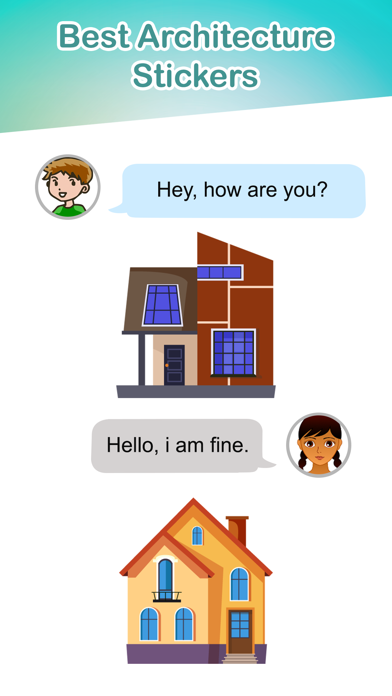
Send directly from iMessage by tapping the sticker in the 's collection. Choose from -themed designs. Place on message bubbles or use peel-and-place adhesive for physical messages.
Download Architecture Stickers and enjoy chatting with friends and family.
Tips of installing stickers:
• To access Messages apps, compose a new Messages to a friend and tap the Messages App Store icon alongside the compose field.
• Tap the App Store icon on the lower left corner to open the app drawer & install apps.
How to use stickers:
• Open iMessage from your iPhone
• Select the your app's sticker
• Just with a single tap send stickers
• PEEL & PLACE stickers on top of message bubbles or photos, just tap, hold and drop!
• Layer stickers over each other in conversations in iMessage
• Scale & Rotate stickers by using a second finger before you place it on a bubble.