Organize notes with folders and subfolders. Attach photos, documents, voice recordings, and video links to notes. Convert folders into to-do lists. Set reminders and use passcode lock. Customize themes and highlight folder names.
Add date, time, GPS location, and custom captions to photos. Apply stamps directly in the Photos . Share stamped photos via email or social media. Adjust stamp appearance and position.
Browse over 2,000 font types, including 1,000 free . Install and use in apps like Kakao Talk and Good Note. Access more than 50 new monthly. Use without copyright concerns.
Create and customize labels using a drag-and-drop editor. Choose from hundreds of fonts, colors, and images. Design rectangular, square, round, or oval labels. Edit business cards and flyers in portrait or landscape mode.
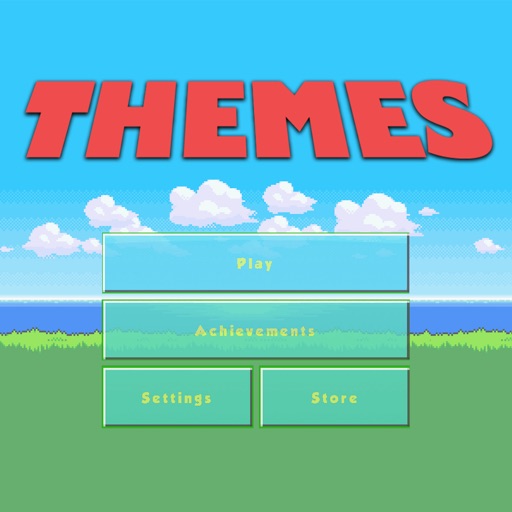
Customize with by adding 3D backgrounds, colors, fonts, and sounds. Preview changes in-game. Install pre-designed or create custom ones. Apply with two clicks.
Install fonts for personalization in compatible apps like , Excel, and Keynote. Access themed packs including OpenDyslexic, Dyslexic, and Wedding styles. Use fonts in Cricut Design and Office Suite Pro applications.
Browse fonts from Google Fonts database. View details sent by other apps. Export files to compatible apps. Apply selected fonts to text and share styled images.
Create messages with customizable fonts, backgrounds, and bubble designs. Choose from themed colors and patterns or generate random designs. Add effects and share messages with friends.
Manage , organize collections, access professional
Manage with a comprehensive library offering diverse styles for professional and creative use. Install and organize for different projects. Access a wide range of font resources for design and office purposes.
The app provides graphic design and drawing tools for creating sophisticated projects. Users can design and collaborate anywhere, using photos, fonts, and shapes to create various graphics and art.
Customize appearance with , , and backgrounds. Switch between multiple layouts. Type in over 50 across all apps. Access pre-designed and adjust settings for enhanced typing experience.
Find and install fonts from Google Fonts for use in text editors. Preview, download, and organize fonts into categories like Sans-Serif, Serif, and Handwriting. Apply fonts to headings, chapters, and body text in apps like Pages or Word.
Customize text appearance by selecting from 20+ unique . Apply across multiple apps including WhatsApp, Facebook, and Instagram. Access via the on-screen keyboard for typing in any application.