
xFont - Custom Font Installer
Install fonts from Google Fonts
Tien Nguyen
iPhone Screenshots
Description
Find and install fonts from Google Fonts for use in text editors. Preview, download, and organize fonts into categories like Sans-Serif, Serif, and Handwriting. Apply fonts to headings, chapters, and body text in apps like Pages or Word.
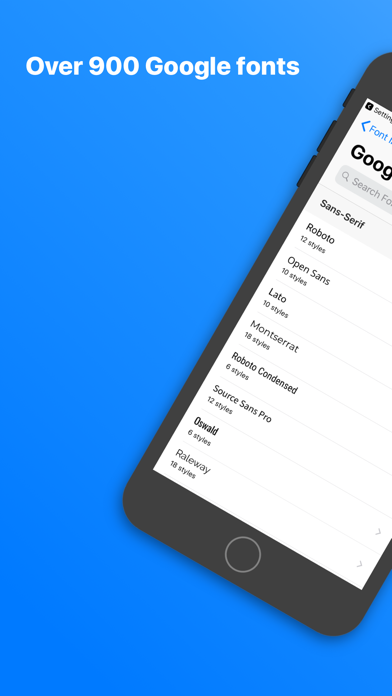
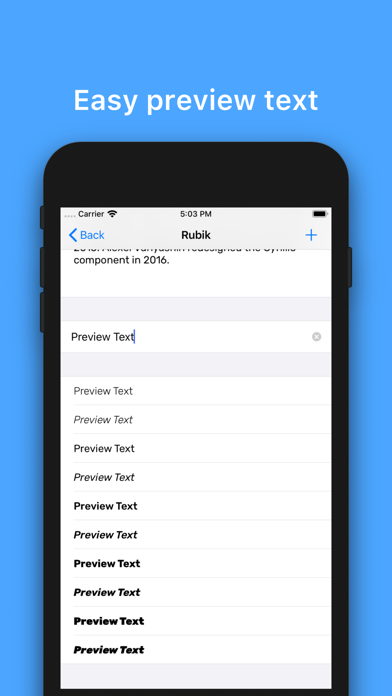
xFont allows you to find and install custom fonts for use in apps such as Pages, Microsoft Word or any other text editors on iOS devices. The app connects you with Google Fonts - a huge free font library - where you can preview, download, and install the fonts.
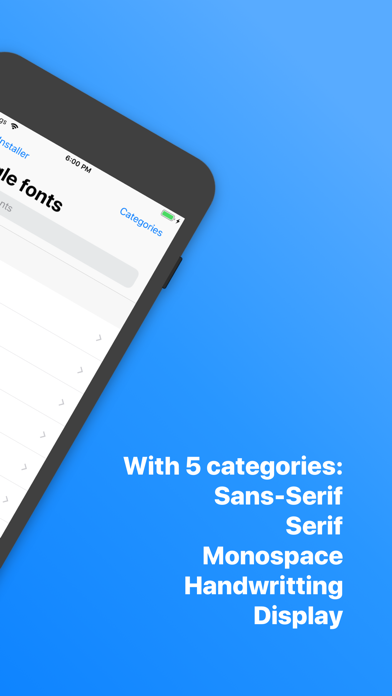
Moreover, xFont organizes the font library into groups of Sans-Serif, Serif, Monospace, Handwriting, Display so that you can easily find properly fonts for your different text format such as Heading fonts, Chapter fonts, Body fonts, etc.
Main Features
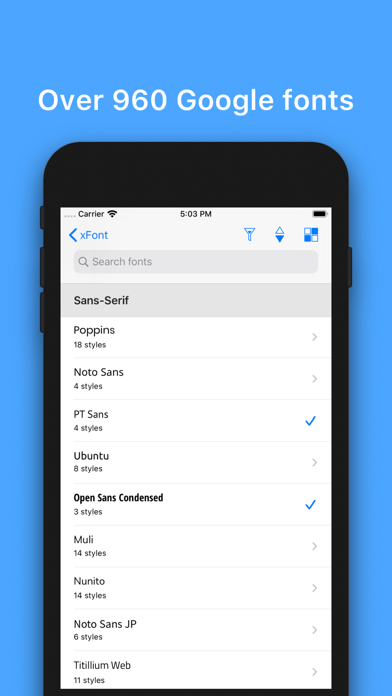
- Over 960 completely free fonts from Google Fonts
- Full font family support
- Live preview
- Download & Install font
- Custom Keyboard font
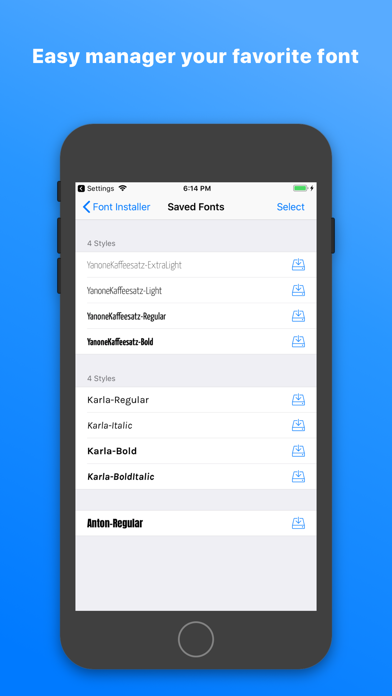
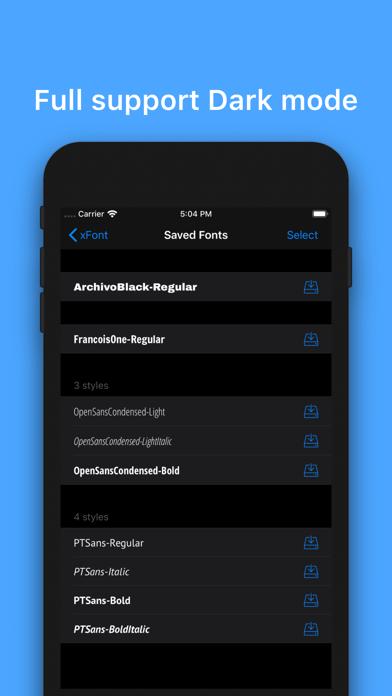
- Manage saved fonts
- Support 3D Touch for quick preview, download, and install
- Search or discover fonts by categories of Sans-Serif, Serif, Monospace, Handwriting, Display.
- Step by step tutorials for installing & uninstalling fonts
The app design is simply and easy to use. The way of find & install fonts is straightforward. However, if you need any help, just contact us via the in-app support feature. We will also add more source fonts over time.
Thank you!