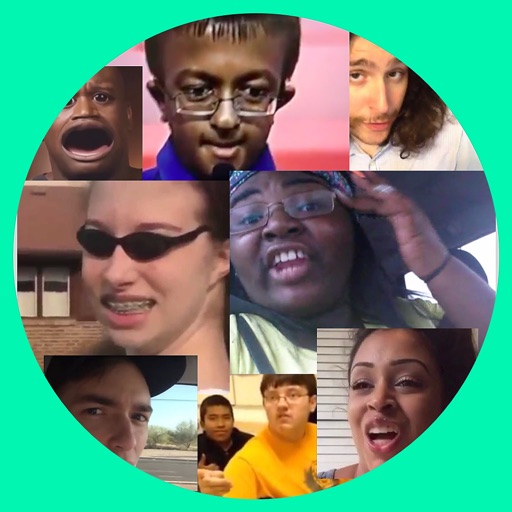
Byte Vine Creative Meme Maker
Pavement Apps
Create memes from Vine and Byte.
The app allows users to create memes using looping videos from Vine and Byte. Users can add text, hats, and faces to their creations.
Showing 101–120 of 1,000 ranked alternatives.
Pavement Apps
Create memes from Vine and Byte.
The app allows users to create memes using looping videos from Vine and Byte. Users can add text, hats, and faces to their creations.

婷 熊
Place on funny photos and share
Place on selected scenario from five categories. Take photo with camera or upload from gallery. Apply to scenario and share the result.

Appkruti Solutions LLP
Try effects on live camera feed
Change eye appearance in photos and videos using face detection. Apply funny eye effects like big, sleepy, or cartoon styles. Choose from makeup options including liners and shadows. Select animal or Halloween-themed eye transformations.



Mireia Lluch Ortola
Edit photos, cut faces, replace backgrounds
Edit photos by cutting and pasting faces, removing backgrounds, and deleting unwanted people. Add missing faces to photos. Use the silhouette head tool to select and edit elements. Export edited images directly.
PiVi & Co
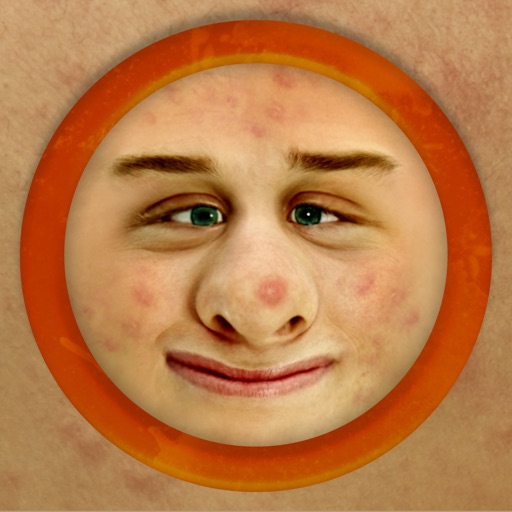
Make faces ugly instantly and share.
The app works with photos from the built-in camera or photo library. It allows users to choose a face among many on the same photo and features instant transformation with no internet connection needed.

Sylwester Los
Edit videos, add zoom, , cut
Edit videos by adding zoom effects using pinch or drag gestures. Cut or uncut unwanted sections with the scissors tool. Change aspect ratio and videos. Save and share edited videos directly.

HOANG PHAM
Edit photos, create collages, share squares
Create collages with customizable blur backgrounds and adjustable layouts. Apply filters like black and white, vintage, and retro to enhance images. Edit photos by resizing, cropping, or deleting elements.

KI HYUN KIM
Edit faces, remove blemishes, enhance photos
Edit photos with facial adjustment tools for eyes, nose, lips, eyebrows, and jawline. Retouch skin, whiten teeth, and remove dark circles. Apply makeup with customizable options. Adjust backgrounds and export in multiple formats.


PiVi & Co
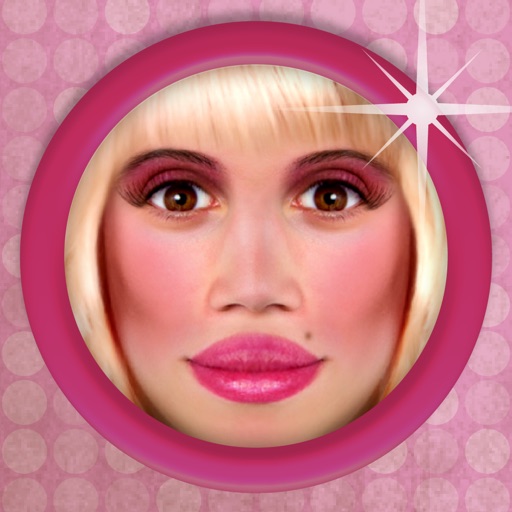
Transform photos into a new look.
The app allows users to transform photos to see how they would look with a 'bimbo' effect. Users can apply makeup, plump lips, and change facial features.

HC MAKER - PHOTO LOGO BACKGROUND EDITOR APPS FOR FREE
Apply filters and share photos
Edit photos by importing or taking a picture, then applying curated filters designed by professional photographers. Save edited images and share them directly. Access a library of free images for inspiration.

Kozo Terai
Over images with precision
Over image templates with automatic pen tracking for accurate . Select from preloaded categories like animals, flowers, and vehicles. Choose from over 150 colors to customize drawings. Export final artwork in various formats.
HK FLAMINGZONE CO., LIMITED
Edit photos with art filters and effects
Edit photos using a variety of art filters and effects. Apply themed backgrounds and templates like Memphis, Poster, and Tropical. Customize designs with layered elements and export edited images in multiple formats.
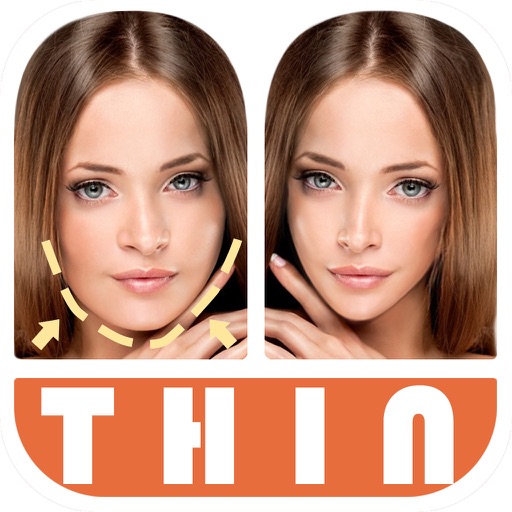
宁 桂
Edit photos with and body slimming tools
Edit photos by automatically detecting faces and adjusting body shape in four modes: , head, body, and manual. Apply changes to photos from the or library and share the edited images.
Appkruti Solutions LLP
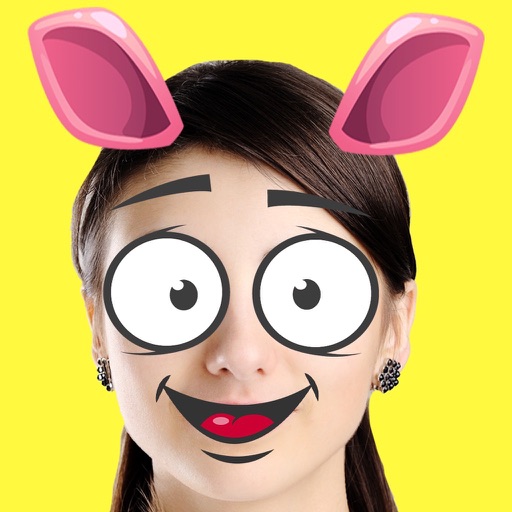
Create emojis, add to photos
Create custom emojis by adding eyes, lips, hairstyles, hats, glasses, beards, mustaches, and props. Add text with various colors and fonts. Rotate, move, and zoom and text. Share emojis and memes directly within chats or social media.
Apps are ranked by functional similarity, category fit, rating confidence, and popularity.