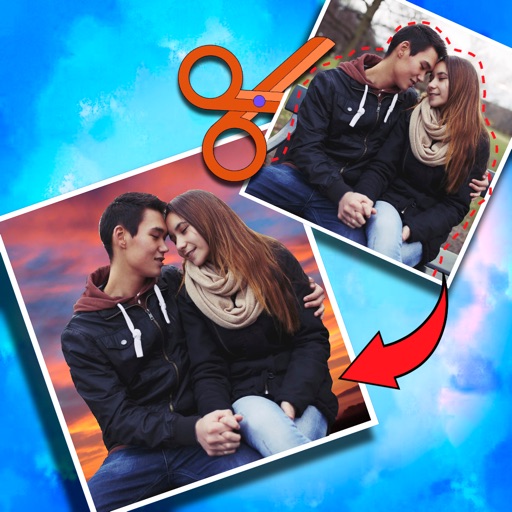
Crop photos and save individual cropped sections for later use. Combine cropped images with backgrounds or other photos to create new compositions. Apply filters to enhance the visual appearance of edited images.
Simulate cutting with a razor, dryer, or scissors. Adjust speed settings. Hear realistic hairdressing sounds. Experience vibration feedback during shaving simulations. Share results with friends.
Edit photos with country-themed stickers and flags. Add team shirts and customize designs. Create montages with multiple editing options. Share edited photos from or gallery.
The app provides tools for creating sketches, doodles, drawings, and notes. Users can record video of their painting process or narrate a completed book.
Create characters by lines and choosing from various colors and brushes. Use specific tools like a purple glowing brush for wings or red dots for hair. Replay the creation process to relive the experience.
Create custom memes and stickers from photos. Choose images of animals or funny moments. Add text with custom fonts and colors. Apply outline and background effects. Export to iMessage, Telegram, WhatsApp, Discord, Slack, WeChat, and QQ.
And edit with drawing tools, text, and photo insertion. Adjust text formatting, color, and effects. Resize and rotate text and images. Save and share creations via social media apps.
Create and manage RPG campaigns with customizable themes and structured entries. Organize notes using 8 editable sections including text, trackers, and checklists. Access pre-designed templates for common elements.
Allows children to draw using color selection, shape tools, and an eraser. It plays when drawing and includes a random color option. Users can change line thickness and save drawings.
Convert grayscale or black and white images to using selective recoloring. Select and capture images, pan and zoom for precise editing. Adjust brush size and opacity. Apply 200+ filters. Preview changes in real time. Redo or undo edits.
Photos with one-tap AI enhancement for vibrant colors. Preview edits in real-time. Swap backgrounds with two taps. Use over 20 pro tools including filters, frames, and stickers. Crop and paste objects onto any backdrop quickly.
The app provides a translucent canvas with a grid for users to practice drawing and sketching. Users can trace photos from their library, adjust size and location, and use tools like an eraser, undo/redo, zoom, rotate, pan, and flood fill.
Create animated doodles by replaying the drawing process as a cartoon. Use 20+ unique paintbrushes including rainbow, neon, and flower brushes. on photos from camera or gallery. Save and view drawings in a personal gallery.