Apps Like Big Button Calculator Pro for iPhone and iPad
Calculate with color and precision
Calculate with a dual-line display showing input and result simultaneously. Use percentage and backspace functions. Choose from 18 color themes. Enter multi-line equations. Automatically format scientific expressions. Access via Split View.
by Cider Software LLC★ 4.9469 ratingsUtilities$9.99Data updated 2026-09-11
Perform calculations using reverse Polish notation. Swipe to undo or redo operations. Access a 100-entry stack and 6 memory buttons. View large, easy-to-read displays. Save state on exit. Supports scientific functions and multiple undo/redo levels.
Magnifier allows users to enlarge on screen and have it read aloud. Enter via tap or voice input. Customize background, font color, and gradient. Adjust reading speed, pitch, and volume. Enable screen flash with customizable intervals.
A and unit/currency with a clean interface. Convert between 500+ units across 29 categories and 161 currencies. Customize colors and display selected units. Enter values to instantly convert between units.
Perform calculations with basic and scientific modes. Switch between portrait and landscape views. Display calculation steps and use a voice-activated . Customize keyboard layout and choose from two skins.
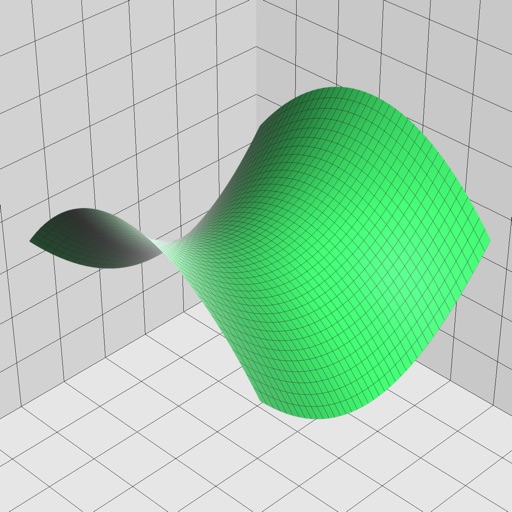
Enter and edit equations in mathematical notation. Visualize 2D and 3D graphs of explicit, implicit, and inequality equations. Adjust settings for display and analysis. Save and share calculations.
Calculate molecular weights with a dedicated organic chemistry calculator. Long-press elements for details. Input elements, numbers, and parentheses for real-time results. Access a full-sized periodic table with combined periods 1, 2, and 3.
Perform complex calculations with trigonometric, statistical, and combinatorial functions. Define and evaluate custom equations. Graph mathematical expressions and explore multiple variables. Save and reuse calculations for future use.
Perform calculations with a customizable interface and live results. Define and share advanced functions. Use 3D Touch shortcuts and an expandable widget. Search history via Spotlight.
Create and organize notes with customizable themes and font sizes. Search for notes by content or tags. Sort notes by date or custom conditions. Share notes via email, Twitter, or Facebook. Link to other apps with a single tap.
Allows users to perform calculations directly within compatible apps. Input equations using the . Dark Mode is supported. Full iPadOS compatibility is available. Customization options are provided.
Perform basic and scientific calculations with equation display and history tracking. Switch between binary, octal, decimal, and hexadecimal modes. Calculate fractions directly. Use widget for quick computations.
Allows users to perform basic and scientific calculations. It supports arithmetic operations, square roots, percentages, and trigonometric functions. Users can edit expressions with a movable cursor and view calculation history.
Perform calculations using a basic, scientific, currency, and units calculator. View calculation history, convert numbers to speech, and synchronize results across all calculator modes.
With symbolic algebra, equation solving, and calculus functions. Supports fractions, repeating decimals, and high-precision numbers. Displays results as simplified expressions or numerical values.
Calculate loan payments, analyze cash flow, and perform investment analysis. Input variables for scenarios. Solve time value of money problems. mortization schedules. Export results to CSV. Sync with tools.
Track monthly schedules with calendar integration. View weekly and daily breakdowns. Add events, set reminders, and sync with iPhone calendar. Edit and delete entries directly. Export schedules as PDF.
Calculate with a that supports basic and advanced functions. View calculation history for reference. Copy results to clipboard for quick use. Use split view for multitasking on iPad.