
Large Text, Big Text to Speech
Read aloud with custom settings
FugaPiyo Inc.
iPhone Screenshots

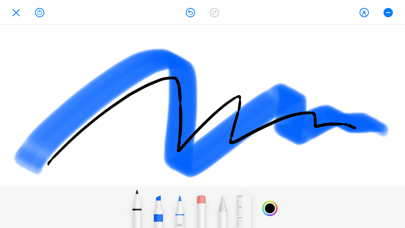
Description
Magnifier allows users to enlarge on screen and have it read aloud. Enter via tap or voice input. Customize background, font color, and gradient. Adjust reading speed, pitch, and volume. Enable screen flash with customizable intervals.
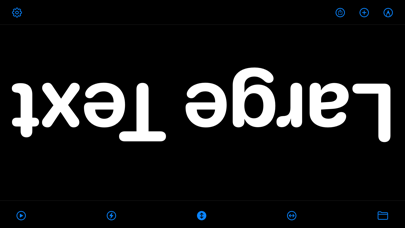
It's an app that enlarges the text in full screen and reads it out aloud.
All features are completely free to use.
- Quick start
- Tap the screen to enter text (voice input supported)
- Screen background color, gradient, font color setting
- Read aloud (volume, speed, pitch setting)
- Screen flash (interval, shake and flash setting)
- Screen inversion (up / down / left / right)
- Screen sharing (image)
- Unlimited storage of favorite texts
- Folder code, color code
- iOS14 home screen widget
- Dark mode
- Free & no additional charge
* WARNING
Screen flashes can cause seizures.
Please use at your own risk.
URL scheme:
large://