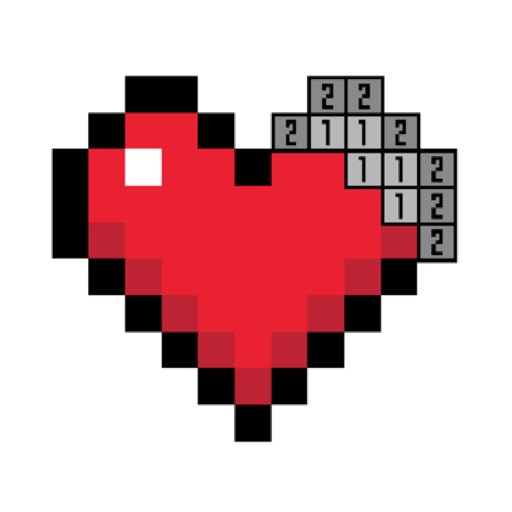
Games allow users to select color by number puzzles and images by tapping colors. Features include on pages, recoloring existing artwork, and saving progress. Users can access pixel art books and sketch freely without internet connection.
Draw with pencil, brush, eraser, marker, and pen. Customize brushes with texture and fill colors using a bucket tool. Add text and shapes to drawings. Change backgrounds with color, texture, or images. Use grid for guidance and mirror for faster .
Allows users to draw and explore with infinite scroll and . Create digital artwork using Apple Pencil support. Adjust brush settings for precision. Save and export drawings in various formats. Collaborate in real-time with others.
Create and unique pixel NFTs. Sell on platforms like OpenSea, Rarible, and Nifty Gateway. Customize designs with pixel art tools. Upload and share NFTs directly. Track sales and royalties. Connect wallet for blockchain transactions.
Create digital art with 105 tools including pens, pencils, and brushes. Import and edit photos. Add text and rotate elements. Customize brush settings. Use customizable canvases. Save and share artwork.
Create custom art by taking a selfie or photo. Select and pixels based on numbers. Share finished artwork on social media. Use magic wand tool for quick coloring. offline without internet connection.
Convert photos into 8-bit art using AI and manual drawing tools. Adjust colors, resize, and refine details. Export as image files or share directly. Create profile pictures, game assets, or digital art with customizable settings and editing options.
Edit photos by converting them to black and white while retaining selected details. Use multi-touch gestures to paint areas in black and white or restore original colors. Zoom in and out with two-finger pinching. Adjust and export edited images.
Create detailed technical illustrations and artistic designs with vector editing tools. Draw, reshape, and color elements with precision. Import and export files in multiple formats. Use layers, masks, and effects for advanced design work.
Create drawings and sketches on customizable canvas backgrounds. Record sessions as videos. Share creations with friends. Choose from preset color palettes for different coloring styles.
Create art sprites and animations for game development. Draw with Apple Pencil for precise control. Animate frame by frame using a timeline and onion skinning. Export sprite sheets directly compatible with Unity, Godot, and GameMaker.
The app allows users to create 8-bit pixel art with features like a color dropper, undo, and zoom. It offers multiple canvas sizes and export options for PNG images.
Swipe to fill blocks and reveal hidden pixel art. Avoid touching enemies to progress. Tap to select and move blocks. Complete levels to unlock new images. Track progress and replay levels.