Apps Like Griddy Pro: Split Pic in Grids for iPhone and iPad
Post photos in square
Photos into customizable grid layouts with up to 10 rows. Post to Instagram directly. Adjust grid presets and share images in larger, organized formats.
by keang david★ 4.9128 ratingsSocial Networking$19.99Data updated 2026-11-14
The app allows users to take, decorate, edit, and share selfies. It features a smile-activated timer and a rotary dial control for one-handed operation.
Adjust settings including ISO, focus, and shutter speed for photos and videos. Control exposure and shutter speed for long exposures or slo-mo videos. Use double tap for photos and triple tap for video gestures.
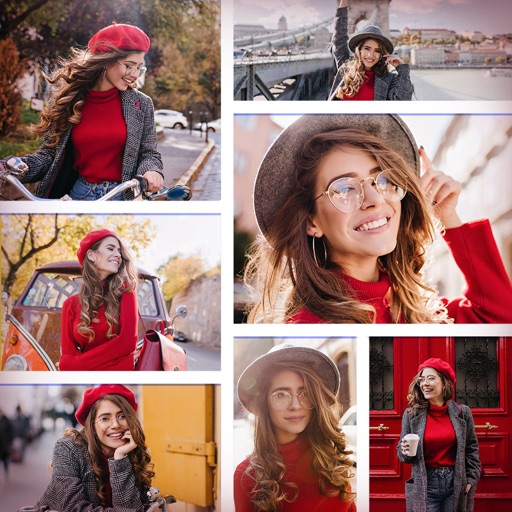
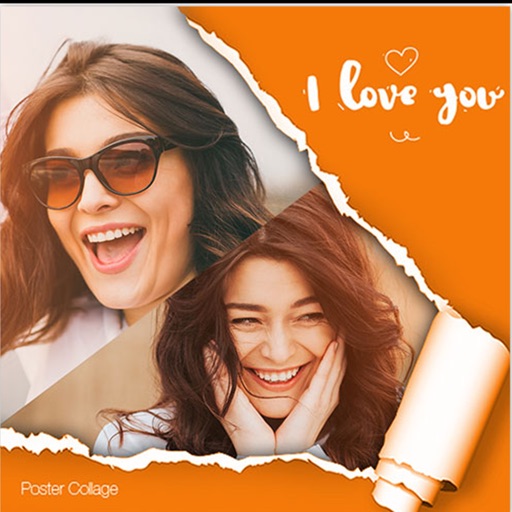
Create collages by combining multiple photos and videos. Choose from , poster, or editor modes. Adjust layouts, add effects, and stitch content together. Edit images with filters, cropping, and text overlays.
The app allows users to post videos to Instagram without cropping by adding sidebars. Users can add custom watermarks, choose background colors, and select frames.
The app allows users to swap faces in photos. Users can take a picture or load one from their library, place masks over two faces, and the app swaps them.
Edit photos with filters, cropping, and brightness adjustments. Add text overlays for customization. Create collages by combining multiple images. Arrange photos in customizable grid layouts.
Discover trending hashtags for Instagram. Schedule posts across multiple platforms. Analyze engagement metrics and adjust strategies. Track follower growth and interaction rates. Share content directly from the .
The app allows users to create collages on square backgrounds and add text. Users can choose backgrounds, add pictures, and modify text properties like font, size, color, transparency, and rotation.
Customize iPhone home and screens with widgets for quick access to info and actions. Display photos in albums or grids. Apply DNA-style widgets for futuristic visuals. Launch favorite apps with a tap via built-in launcher.
Crop and trim clips, split or duplicate segments. Adjust position, rotate, or flip. Apply filters and customize background color. Merge videos and change playback speed for slow or fast motion.
Edit photos with resizing, cropping, and options. Add text, polaroid frames, and stickers. Generate square, landscape, or portrait images for social platforms. Export and share edited photos directly.
Create designs, memes, and quotes with intuitive tools. Add text, captions, and images. Export for Instagram stories, Facebook posts, Twitter banners, and YouTube thumbnails. Share directly with friends. logos, invitations, and photo collages.
Take photos with using online filters for , scenery, food, and travel. Edit images with numerous stickers and auto-enhancement tools. Export and share edited photos directly.