
iPhone Screenshots


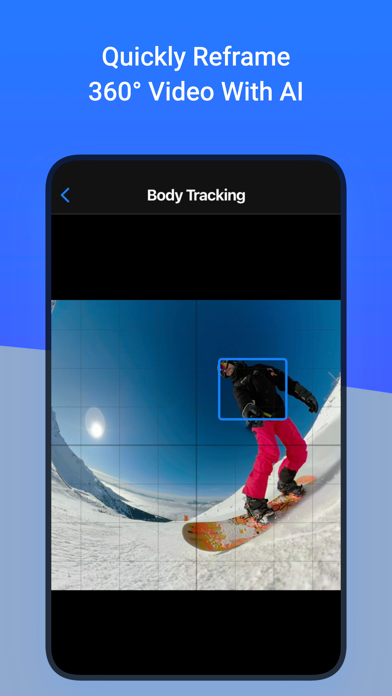


Description
Reframe your 360° photos & videos
=> Transform your 360° spherical content into stunning creations and grow your audience on social media.
Note: This app does not capture 360° photos or videos. It is designed to edit existing 360° content.
Works with all 360° cameras and any equirectangular file:
- Insta360 X
- GoPro Max
- DJI Osmo 360
- Ricoh Theta
=> Use your 360° camera app to export your 360° file and then open it in ReShoot 360.
Free Version
- Filters – Instantly reframe your 360° photos & 360° videos
- Editor – Add keyframes, transitions & control camera movements
- AI Tracking – Automatically follow faces, bodies, animals & more
- Photo to Video – Animate your 360° photos with smooth camera moves
- Social Media Presets – Export optimized for TikTok, Instagram, YouTube, X, Facebook
PRO Version (subscription)
=> Unlock the full potential with PRO features
- High Quality – Export up to 8K photos & 4K/60fps videos
- Spherical Tools – Patch image (picture in picture) & Straighten horizon
- Creative Effects – Add Mirror & Spiral
- Split Pano – Turn your 360° photo into swipeable Instagram posts
=> Unlock the full potential with PRO features
Whether you are a creator, influencer, or just experimenting, this app makes 360° editing easy, fun, and powerful!
Plenty of video tutorials are available on the ReShoot 360 YouTube channel.