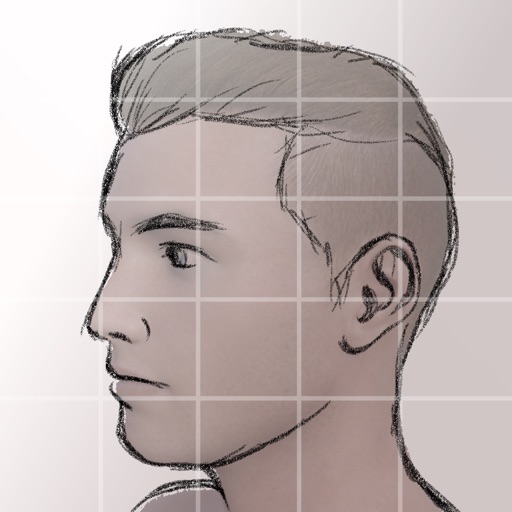
Create and customize grids on images for drawing and painting. Place grids over photos to use as reference. Adjust size and spacing. Export layers for use in digital art tools.
by bigpantsgroup LLC★ 4.8395 ratingsPhoto & Video$2.99Data updated 2026-09-18
Reframe photos by adjusting the frame or dragging handles to reposition elements. Use aspect ratios and grids to guide composition. Straighten images without losing resolution. Achieve balanced compositions by recomposing existing photos.
Create printable reference sheets by adding grids, rulers, and composition overlays to images. Adjust settings for precise scaling. Export as PDF for accurate 1:1 measurements and print-ready layout.
Create collages by combining multiple photos into one with customizable layouts. Apply one-touch filters for instant effects. Add text, letters, and stickers to photos. Export and share finished collages directly.
A grid with irregularly shaped puzzle pieces to complete levels. Swipe to rotate and place pieces. Clear lines to score points and unlock new challenges. Compete with others in leaderboards.
Create pixel art with automatic double pixel removal for precise line art. Use round, square, and matrix dither brushes. Draw lines locked to isometric angles. Create rectangles and ellipses. Manage layers for animated projects.
To cute art with step-by-step lessons. Choose from categories like smilies, food, fruits, and trees. View drawings in list or grid format. Follow detailed instructions to create each illustration. Save and share completed drawings.
Create collage videos with 50+ layouts. Customize grid ratios, background colors, and border settings. Add text, music, stickers, and filters. Drag and arrange media on a timeline. Apply special effects and adjust layouts for final edits.
Convert photos to grayscale and selectively specific areas using finger touch or custom colors. Draw with zoom and rotation for precision. Use a magnifier for detailed work. Undo mistakes or redraw in grayscale. Export edited images.
Create and edit drawings using various tools like Pen, Line, Arrow, Rect (Stroke/Fill), Ellipse (Stroke/Fill), Eraser, and Text. Choose from multiple colors including Black, Red, Green, Blue, Yellow, and more. Save or share drawings directly.
Edit photos by applying filters and adding effects. Choose from 11 types and adjust brush sizes for detailed application. Zoom and pan using two fingers, or draw with a single finger. Save and share edited photos directly.