iPhone Screenshots

Description
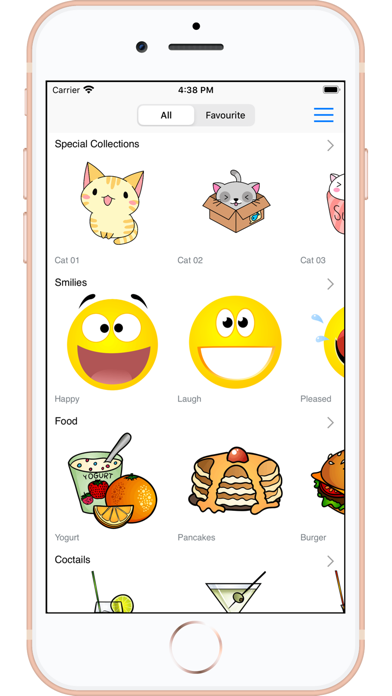
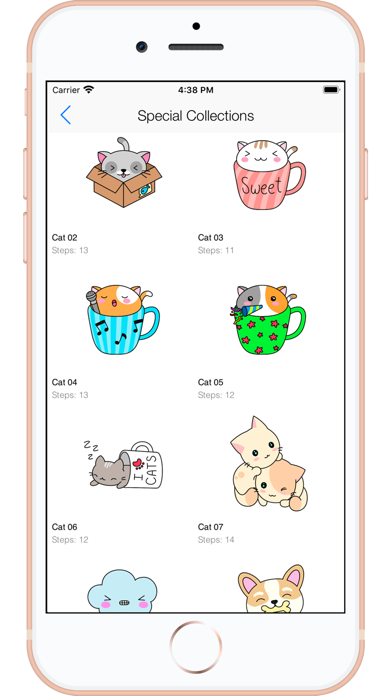
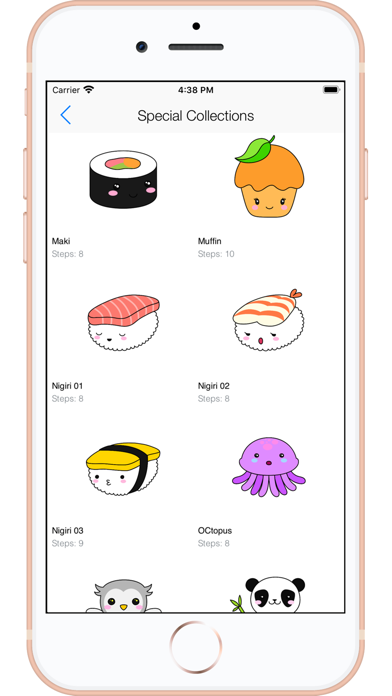
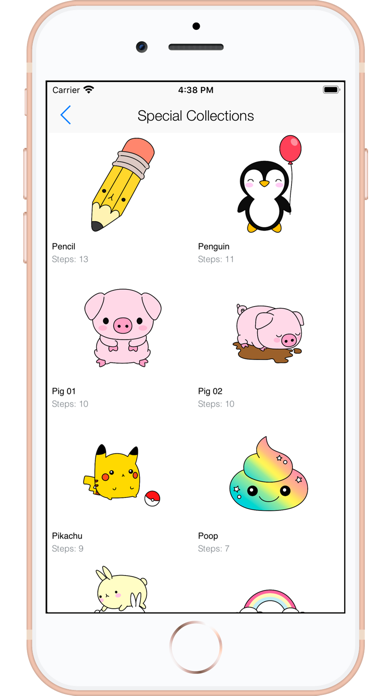
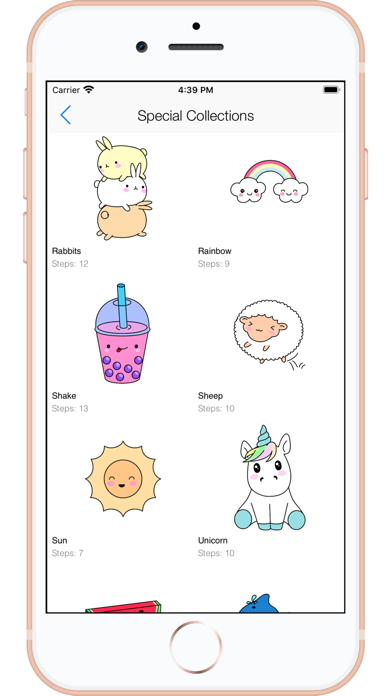
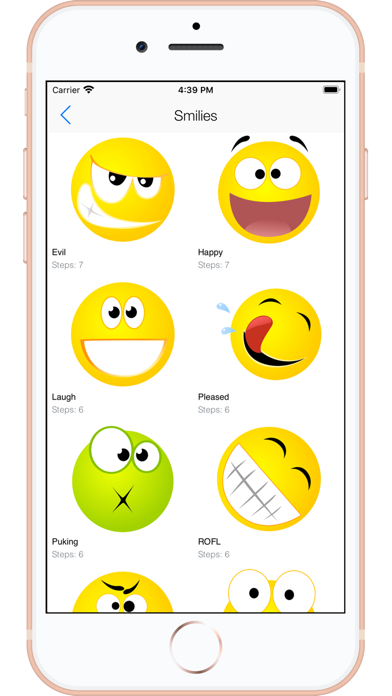
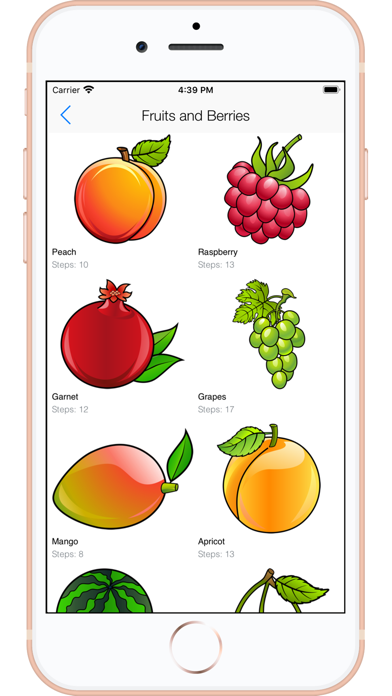
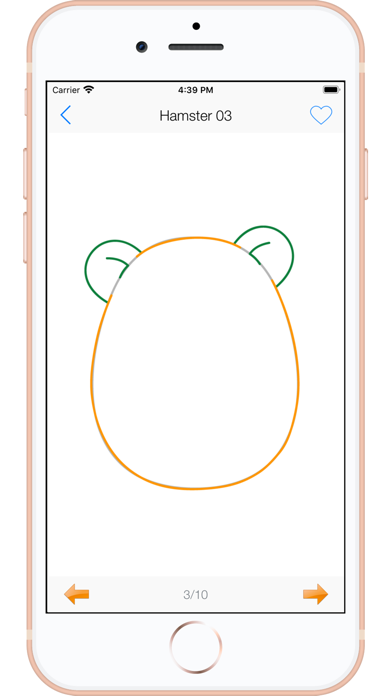
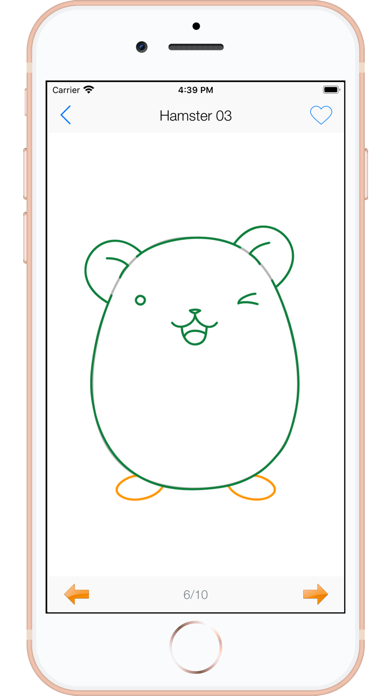
To cute art with step-by-step lessons. Choose from categories like smilies, food, fruits, and trees. View drawings in list or grid format. Follow detailed instructions to create each illustration. Save and share completed drawings.
Kawaii Drawings: Learn To Draw – Step by Step Made Easy!
Want to learn how to draw cute Kawaii art? This app makes it simple and fun! With easy step-by-step lessons, you can draw adorable smilies, food, fruits, berries, trees, and more – perfect for beginners and anyone who loves cute art.
Key Features:
• Explore Cute Categories: Smilies, food, fruits, berries, trees, and more.
• Easy Navigation: Browse in list view and see multiple drawings at once in grid view.
• Step-by-Step Lessons: Follow simple guides to learn and improve your drawing skills.
• Favorites: Save your favorite Kawaii drawings to practice later.
• Zoom In/Out: Perfect your details with essential zoom tools.
Why You’ll Love It:
• Fun and easy for kids, teens, and beginners
• A great way to learn and practice Kawaii-style drawing
• Create your own collection of cute sketches offline
Start your journey into the world of Kawaii art today – download now and draw something cute!