
Blur background.
Alexander Sukhanov
Background on photos
Add to photos with machine learning. Choose from Bokeh, Box, Motion, Crystallize, or Pixelate styles. Adjust intensity with a slider. Apply to single or multiple images.

Batch resize photos and remove originals
Batch resize multiple photos with one action. Remove bulk original photos simultaneously. Search for photos by date or category. Preview resized photos in the list. Integrate with favorite camera apps for seamless photo management.
Showing 81–100 of 1,000 ranked alternatives.
Alexander Sukhanov
Background on photos
Add to photos with machine learning. Choose from Bokeh, Box, Motion, Crystallize, or Pixelate styles. Adjust intensity with a slider. Apply to single or multiple images.


handyCloset Inc.
Add , edit shadow, and outline
Add multiple decorated texts to photos with various fonts and styles. Adjust color, size, and font name. Add outlines and shadows. Resize, rotate, and position texts freely. Save edited photos directly.

Viet Ho Duc
Resize images with pinpoint precision
Resize images with precise control over dimensions and quality. Adjust DPI for print or digital use. Batch process multiple files at once. Rotate images for correct orientation or creative angles. Export in various formats.


Apple Inc.
Edit photos and videos with AI precision
Edit photos with nondestructive color adjustments, AI-powered automatic selections, and support for over 750 RAW formats. Use the Repair tool to remove unwanted objects. Export edited images in various formats and share directly.

国媚 张
Erase selected areas from photos
Edit photos by selecting and removing unwanted elements such as people, objects, trash, pimples, lines, or other unwanted content. Retouch images to improve appearance. Save and share edited photos.

LANARS LLC
Resize and compress media files
Compress photos and videos to free up storage space. Select multiple files up to 30 at a time. Adjust compression settings to balance quality and file size. Share compressed files directly or save to device.


Foobar Creative
Swipe to delete photos and videos
Allows users to delete photos by swiping left or keep them by swiping right. Tap to undo accidental deletions. Organize photos by date, location, or album. Export selected photos to cloud storage or share directly.


EverPixel Yazilim Anonim Sirketi
Edit photos, remove objects, change backgrounds
AI photo editor allows users to remove objects, people, and text from images. Change backgrounds and retouch photos with AI tools. Edit faces and create avatars. Export edited images in various formats.

SafeMe Inc.
Secure photos and videos with a passcode
Securely store and manage photos and videos with advanced passcode protection. Create multiple albums with unique passwords. Encrypt files and set access restrictions. View and edit media within the . Share encrypted files via secure links.

BRIJIT SHEELIA
Resize photos for wallpapers
Create custom wallpapers with scaling and resizing options on various backgrounds. Choose from color, gradient, pattern, bokeh, and text effects. Apply parallax effect for all iPhone and iPad devices.

Jiulong Zhao
Remove metadata from user photos.
The app removes metadata from photos, including EXIF, GPS, TIFF, XMP, and IPTC. It generates new images without sensitive data and supports JPEG, PNG, HEIC, GIF, and TIFF formats.
Appic Stars LLC
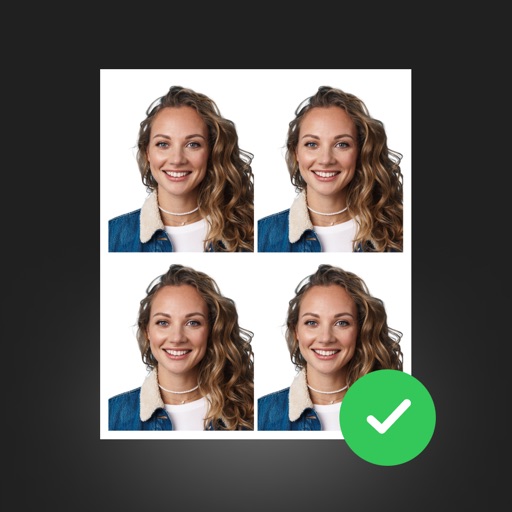
Edit photos, remove background, resize and center
Create professional ID photos with AI tools. Automatically detect faces and remove backgrounds. Resize and crop portraits to fit official sizes. Support multiple countries' requirements. Generate printable -sized images for children and adults.

Yushi Yan
Resize photos for social platforms
Resize photos while preserving the ratio of main objects using content-aware rescaling. Crop or adjust dimensions without losing important content. Export edited images in various formats.

Osawa Shunsuke
Remove unwanted people and objects from photos
Remove unwanted people and objects from photos with a single tap. Manually trace and delete specific elements for precise edits. Erase facial blemishes and dark circles cleanly. Export edited photos directly.

Mohith km
View, edit, and manage data
View and edit metadata and geotagging in photos. Remove metadata to protect privacy. Manage photo information across iPhone, iPad, and iPod Touch. Sync data seamlessly between devices. Export edited files directly.

Apps are ranked by functional similarity, category fit, rating confidence, and popularity.