Scan documents, receipts, photos, and other important items. Correct perspective and automatically crop detected borders. Adjust borders manually and rotate documents for alignment. Share scanned files with others.
by Impala Studios B.V.★ 4.21,425 ratingsUtilitiesFreeData updated 2026-09-10
Print and scan documents wirelessly from any compatible . Send print jobs directly from your device. Scan receipts or contracts and save them as digital files. Share scanned documents via email or cloud storage.
Documents, receipts, and notes as multipage PDFs. Add and manage signatures on any page. Resize, move, or delete signatures. Save and email files. Upload to Dropbox, Google Drive, or One Drive. Auto-detect document edges.
Scan documents, tickets, bills, and cards to extract text. Share extracted text or save as PDF. Supports text detection and sharing. Open source and free to use.
Scan documents, photos, PDFs, and ID cards using device camera. Save, delete, and share scanned files. Scan QR codes and barcodes. Access scanned documents without needing physical scanners or printers.
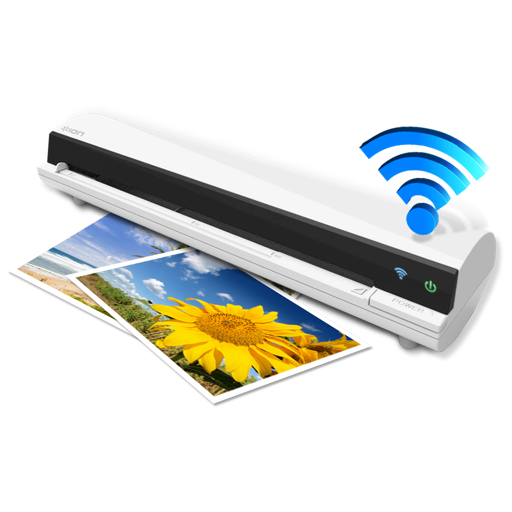
The app works with the ION Air Copy hardware, a portable Wi-Fi scanner. It scans photos, receipts, business cards, notes, and documents up to US Legal size directly to a Mac, then shares them via email or social networking.
Allows users to edit, merge, and share PDF documents. It includes text editing, scanning, and document sharing features. Users can view and annotate PDFs, and organize files for easier access.
Print, scan, fax, and share documents and photos from iPhone or iPad. Send files securely via email or cloud. Export in high quality. Connect to compatible printers wirelessly. Share directly via messaging or social media.
Documents and save as PDF in a folder automatically. Single tap to start scanning. Automatically detects and crops documents. Fixes skewed pages and names files with timestamps. Uploads instantly. Choose folders and disable automatic mode as needed.
Create and manage PDF files directly on your device. View creation history, search by name, sort by date, size, or page count. Rename files, share via built-in tools, and duplicate documents for editing.
Scan documents using your iPhone or iPad camera for high-quality results. Automatically detect edges and correct perspective. Sign and share scanned files instantly. No subscriptions, watermarks, or data tracking.
Import photos or files from gallery or cloud storage. Scan documents for digital copies. Edit PDFs with basic formatting tools. directly to connected printers or share via email. Manage queues and adjust settings.
Convert photos to PDF documents with layout customization. Add titles, subtitles, cover pages, headers, and footers. Brand PDFs with images and save in multiple formats. Share or export converted files directly.